
iZotope Spire Studio Setup Guide
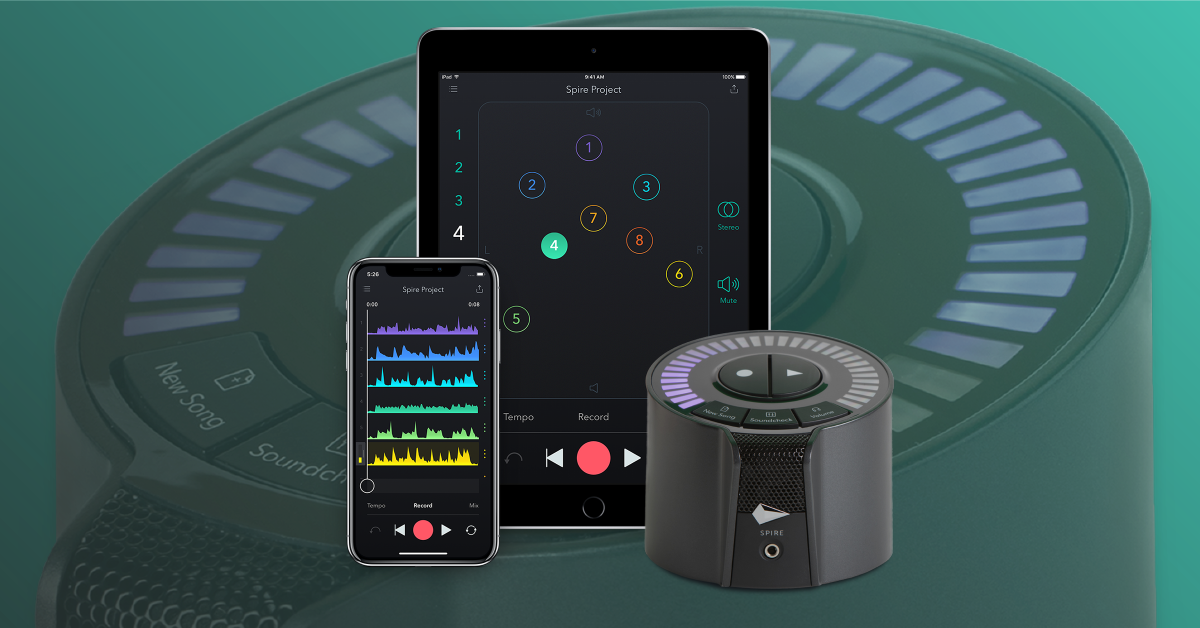
In this guide, we will get up and running with the Spire Studio audio interface in no time. We’ll show you how to download the Spire app, and also how to pair, register, and update the device. Follow the sections below to get started.
Download the Spire Studio Controller app
IMPORTANT: Android devices will need to run on version 8 or higher and iOS devices must be 64-bit and run on iOS 13 or higher. To view a full list of compatible mobile devices, check out iZotope’s Spire tech specs page.
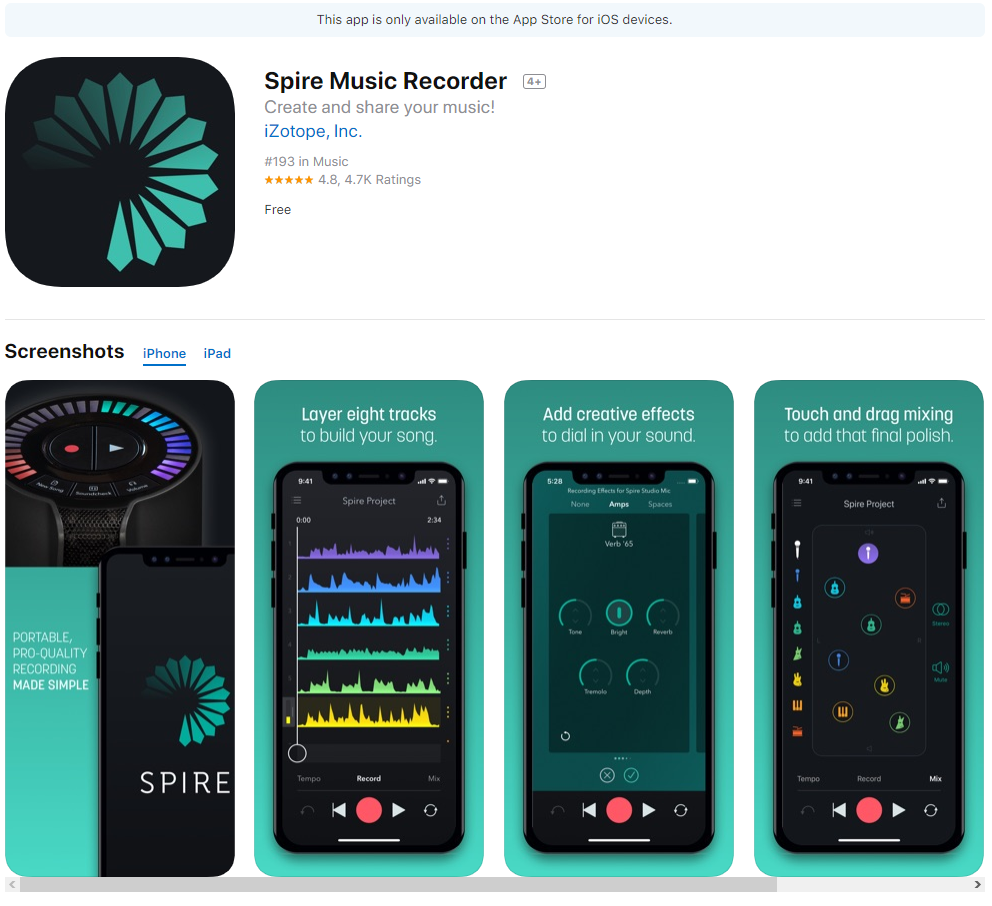
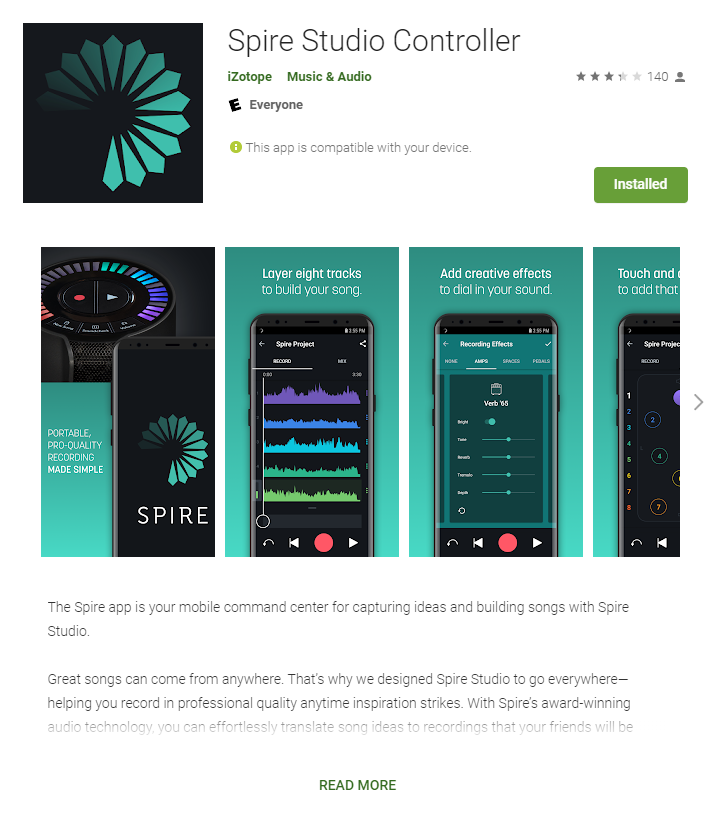
The Spire Studio interface and app are compatible with both Android and iOS devices. For them to work, however, you will need to download the Spire Studio Controller app. You’ll use the app to record your songs and perform firmware updates, as well. Just go to the Google Play Store (Android) or App Store (iOS) and download the latest version of the Spire Studio Controller app.
- The Spire app does not have a standalone version for Android devices. The Spire Studio Controller app for Android requires pairing with Spire Studio hardware.
Pair and register the Spire Studio
IMPORTANT!
The registration process requires you to connect to the internet, so be sure that your mobile device has an adequate cellular data connection.
Once the app is downloaded, you then need to pair the interface with your mobile device. During the pairing process, you will be prompted to register the device with iZotope and update the firmware. Follow the app’s on-screen instructions or follow the steps below to pair and register the Spire Studio.
- Launch the Spire Studio Controller app and turn on the interface. Be sure to use the included power supply, as third-party power supplies may not work correctly.
- Go to the WiFi settings on your mobile device and connect to SpireStudio-xxxxxx.
- Android users: You will also need to enable the Location service and approve the Spire.
- Press and hold the New Song and Volume buttons to pair the device when they begin flashing.
- Fill out the registration form and press Connect.
Spire Studio firmware update
When there is a firmware update available for your Spire Studio, you will be prompted to update it when you launch the app. The update requires an internet connection and may take some time, so be sure you have a good cellular signal. Follow these steps to update the firmware.
- Press Download when the firmware update notification appears on the app.
- After the download is complete, go into your mobile device’s WiFi settings and reconnect to the Spire network.
- Press Apply mandatory firmware update and then press Okay, let’s do this. Once the update installs, the Spire will restart automatically.
- Go back to your mobile device’s WiFi settings and reconnect to the Spire network once more after it restarts.
Additional resources
- iZotope Spire Getting Started Guides
- Troubleshooting Connection Issues
- Troubleshooting Registration Issues
- Troubleshooting Power Issues
When you need help, Sweetwater has the answers!
Our knowledge base contains over 28,000 expertly written tech articles that will give you answers and help you get the most out of your gear. Our pro musicians and gear experts update content daily to keep you informed and on your way. Best of all, it’s totally FREE, and it’s just another reason that you get more at Sweetwater.com.

