

ILIO Andy Narell Software Activation Instructions
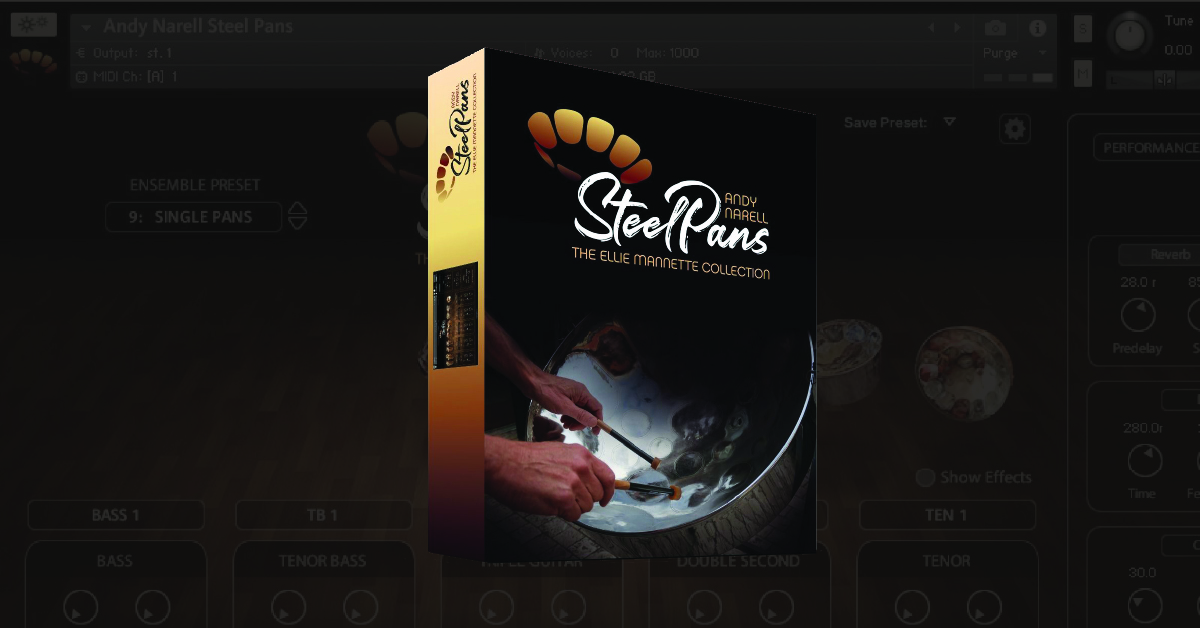
In this guide, we will show you how to activate and install Ilio’s Andy Narell Steel Pans virtual instrument. The process is straightforward, so follow the steps below to get started.
Download and install Native Access
The Steel Pans virtual instrument requires using Native Instruments Kontakt Player and Native Access to get up and running. Kontakt is a free sample-based virtual instrument player, and Native Access is what you will need to activate your software.
- Log in to your Native Instruments account. If you don’t have one, click the Sign up now link.
- Download and install Native Access.
- Go to the Kontakt Player download page, enter your email address on the right side of the page, then click GET DOWNLOAD LINK.
- Check your email from Native Instruments as it includes download links for both PC and Mac. If you don’t see the email, be sure to check your spam folder!
- Download and install Kontakt Player.
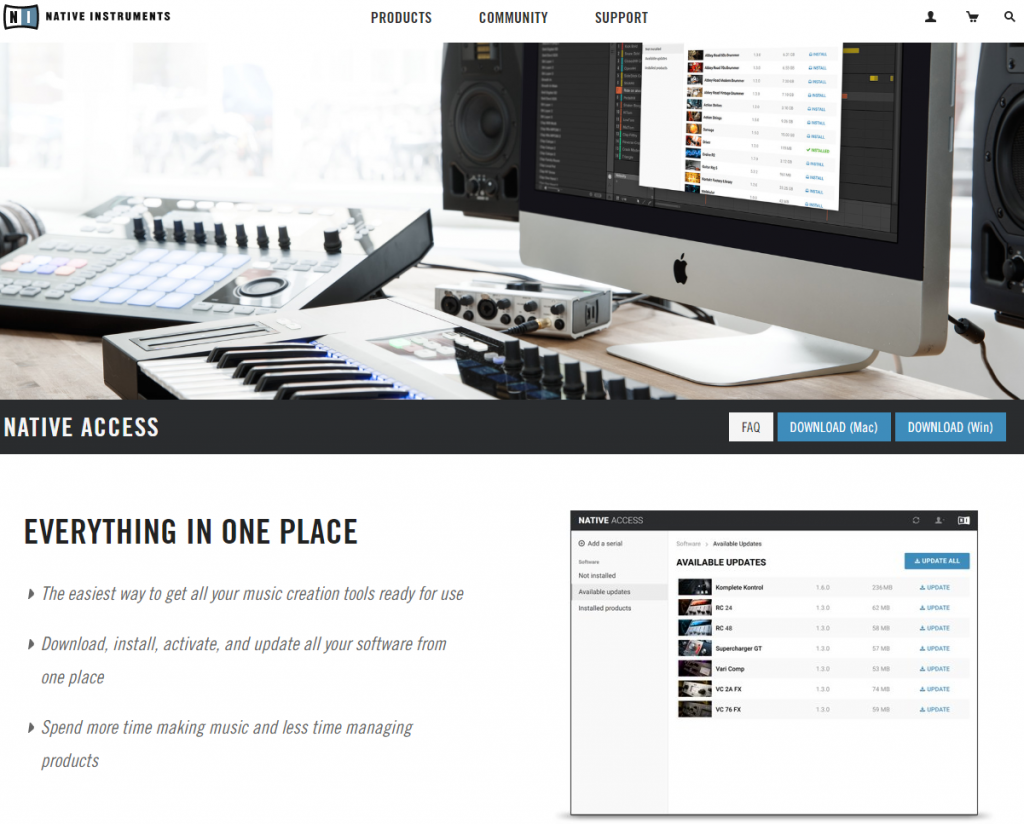
Click the image to download Native Access
Activate and download your software
Once a sound library is installed, it must be activated and linked to Kontakt within Native Access. All you need to do is enter the Serial Number provided by your Sweetwater Sales Engineer and select the library folder you installed. Once done, you’ll be able to launch Kontakt and use your virtual instrument.
- Launch Native Access and click the Add a serial button.
- Enter your Serial Number provided by your Sweetwater Sales Engineer, and click Add Serial.
- When prompted, select the folder you installed the library files.
- If you choose to download your sound library at a later date, click Not installed, locate the software, then click Install.
Adding a serial number in Native Access.
Related Articles
When you need help, Sweetwater has the answers!
Our knowledge base contains over 28,000 expertly written tech articles that will give you answers and help you get the most out of your gear. Our pro musicians and gear experts update content daily to keep you informed and on your way. Best of all, it’s totally FREE, and it’s just another reason that you get more at Sweetwater.com.

