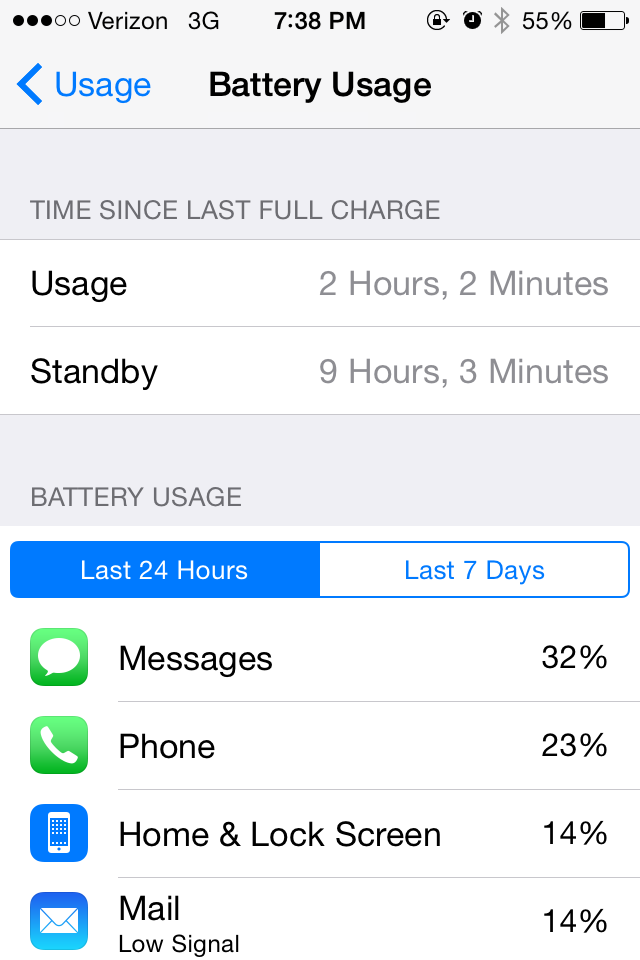
Ever wonder which apps are draining your iOS device’s battery the most? In iOS 8, it’s easy to check. Here’s how:
1. Open the device’s Settings app.
2. Scroll down until you find the “General” category. Tap “General.”
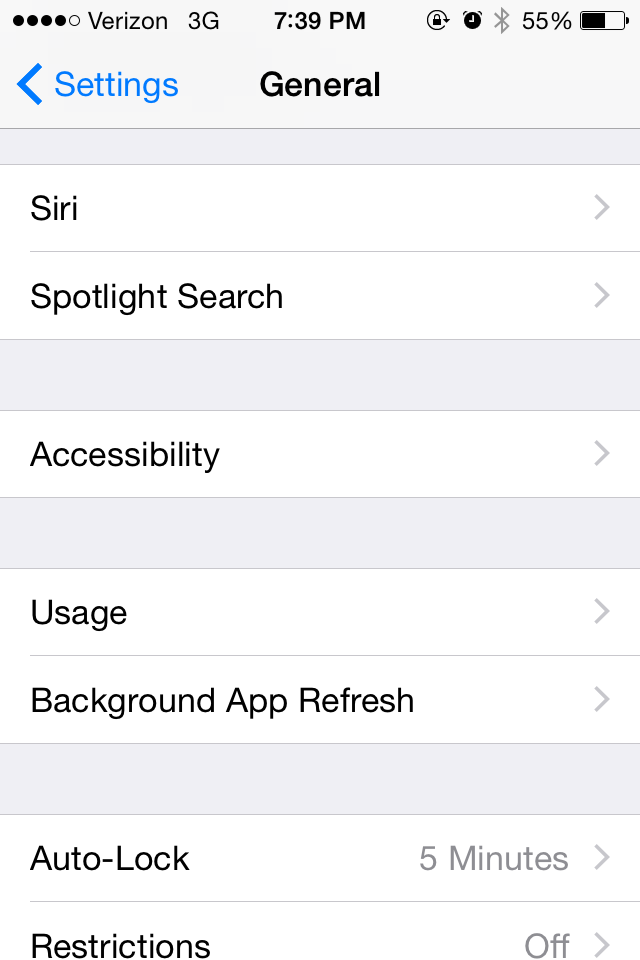
3. In the General screen, scroll down to “Usage”; tap it. (See Figure 1.)
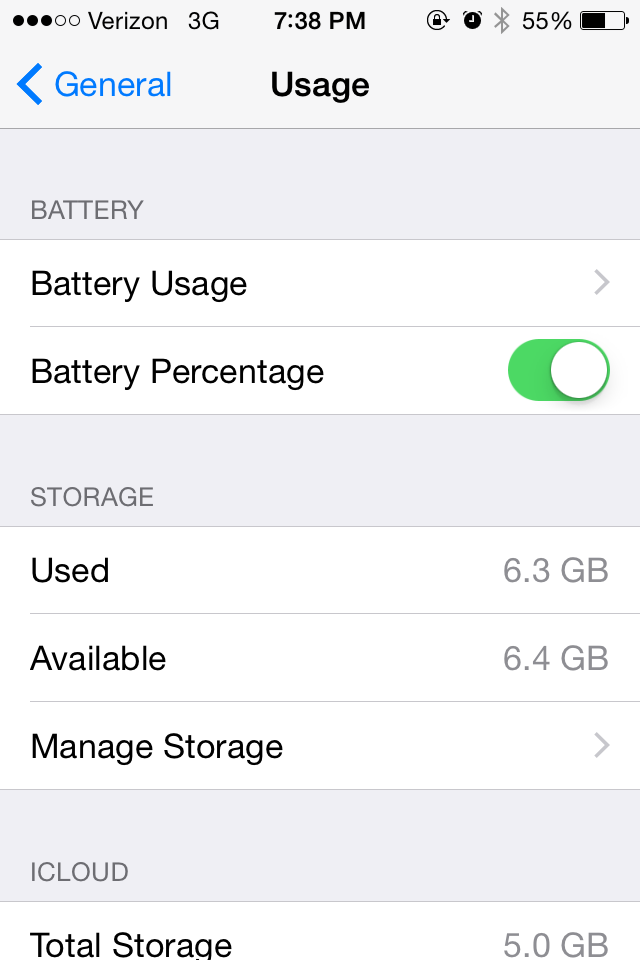
4. “Battery Usage” will be at the top of the Usage screen. Tap it. (See Figure 2.)
5. The Battery Usage screen will display the time since the device was last fully charged, the time the device has been on standby, and will show a breakdown of where your device’s battery power is being spent. (See Figure 3.)