

Being out of town used to mean jams and band practices were off the table. But now, with the RealTime Audio RealTime Portal Ethernet connection device, remote, real-time jamming is finally possible! This compact device uses AI-assisted technology and cutting-edge algorithms to enable musicians who are up to 1,000 miles apart play together seamlessly. Built by iCON Pro Audio and powered by RealTime Audio, the RealTime Portal is a user-friendly solution for remote audio latency issues. With technology this advanced, Sweetwater has put together a buying guide to help you learn more about RealTime Audio’s products, determine what equipment you need to use these products, and decide whether to take the plunge. Let’s get started.
- What Is Audio Latency?
- How Does the RealTime Portal Solve the Problem of Latency?
- How Do I Set It Up?
- What Do I Need to Get Started?
- What’s the RealTime Audio App? Why Do I Need It?
What Is Audio Latency?
For years, online band practices have been prevented by latency. Audio latency is the delay between the moment a sound is produced and the moment it is heard. Imagine you’re on one side of a football field, and your friend is on the other side. If your friend claps their hands, then you’ll see the clap happen a moment before you hear it. That’s latency. To jam online, the sound must be produced by your instrument, go through your audio interface, travel across the Internet, and finally come out of the speakers to the person on the other end. All the signal processing required — not to mention the physical distance — introduces audio latency. And that audio latency has been a major barrier to online band practice. Until now.
How Does the RealTime Portal Solve the Problem of Latency?
The RealTime Audio RealTime Portal is an ultra-low latency device that uses AI-assisted network optimization and a new, groundbreaking compression algorithm to bring audio latency between 8ms and 55ms. Musicians using RealTime Portals within 1,000 miles of each other can play together remotely as if they’re playing in the same room!
Note: Connection speeds may vary depending on location and ping times.
How Do I Set It Up?
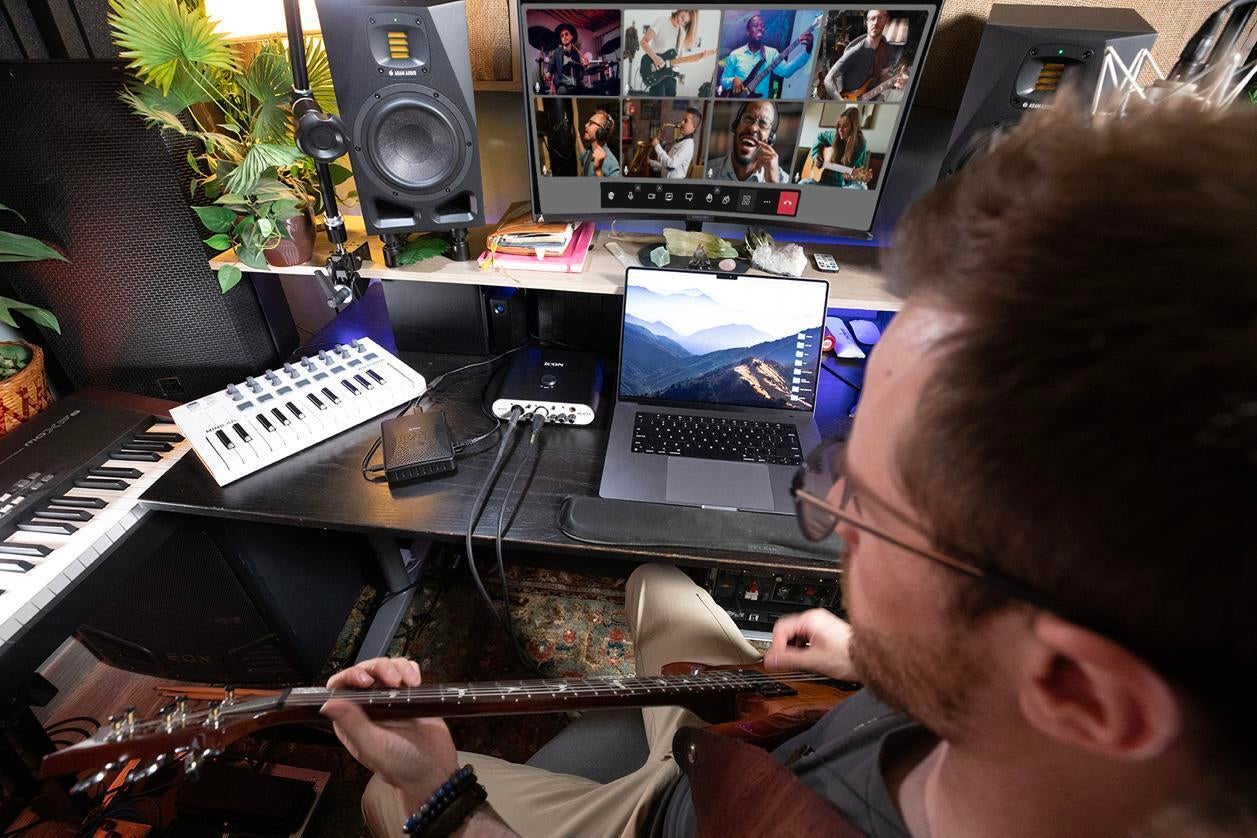
Adding a cutting-edge piece of hardware like the RealTime Portal to your space must include a tangled web of wires, right? Nope! The engineers at RealTime Audio have streamlined this step, too. The unit connects to your audio interface via two USB ports. Then, just connect to your router via an Ethernet cable and plug the power cable in. It’s that simple. After you’re set up, the RealTime Audio browser (or any other mobile web conferencing app) becomes your digital practice room.
What Do I Need to Get Started?
To play together remotely, every musician needs to have a RealTime Audio powered device — like the RealTime Portal and a premium subscription to the RealTime Audio app. Everyone also needs a class-compliant USB audio interface capable of 48kHz sample rates and an XLR microphone for talking and singing (USB mics are not compatible). Finally, the RealTime Portal requires Internet connections via Ethernet, so be sure to have direct access to your Internet router or Ethernet powerline adapters. For the best results, RealTime Audio recommends that all users be within 1,000 miles of each other.
What’s the RealTime Audio App? Why Do I Need It?
Your purchase of the RealTime Portal includes a free, one-year subscription to RealTime Audio’s RealTime Audio app. You’ll use the app to connect with your fellow musicians with no latency. The RealTime Audio app is a browser and mobile video conferencing tool that boasts double the audio and visual resolution of your normal video conferencing tools. Plus, it comes with other music-related tools. The software can record the session and individual tracks, apply reverb and panning, supply a metronome, and even generate chord and scale charts on demand. Other impressive features include the touchscreen keyboard, livestreaming capability, interactive tuners, voice pitch detector, and music-related whiteboards.
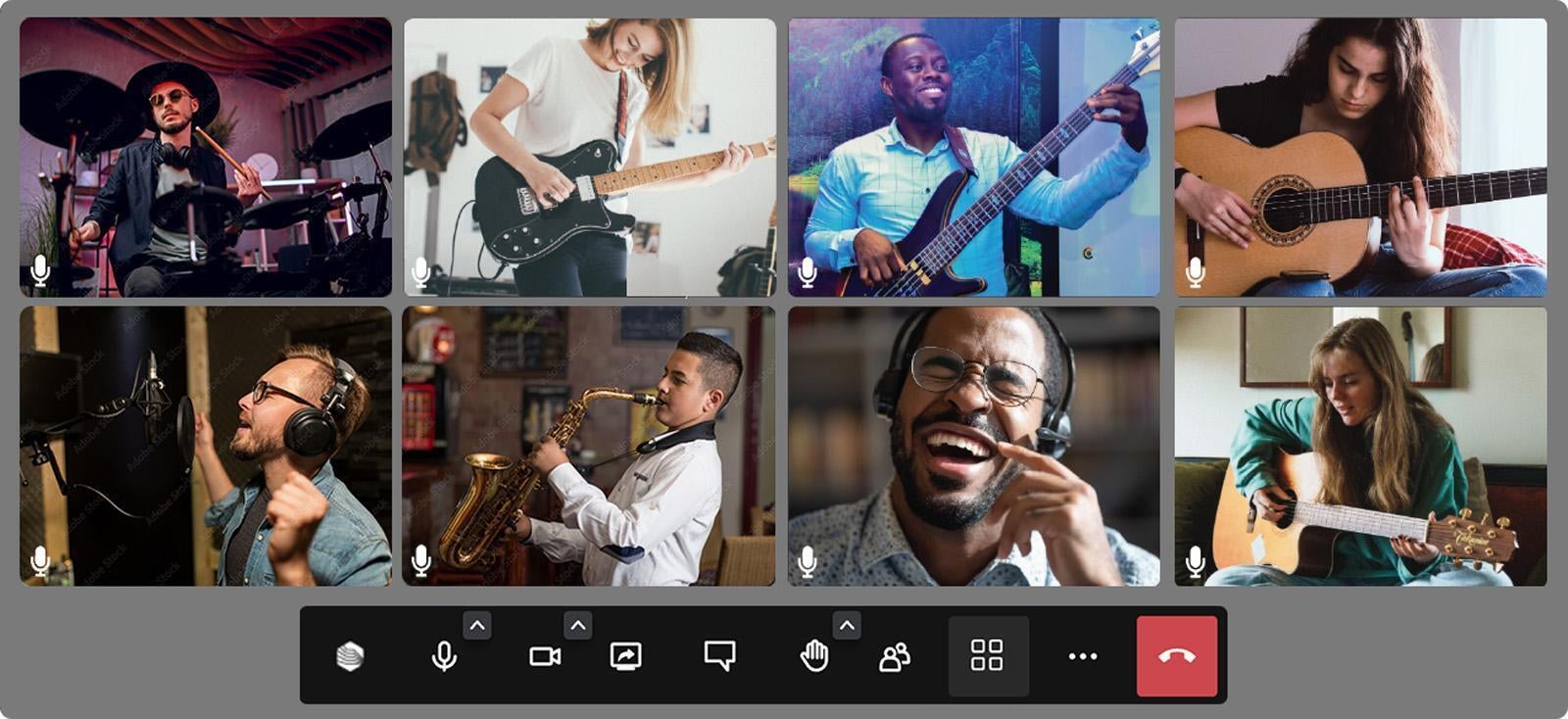
The RealTime Audio app also doubles as an all-inclusive online music community. If you want to jam but don’t have anyone to play with, then the app can help you find other musicians within the 1,000-mile range. You can search for players by instrument, genre preferences, and location. Simply use the app to invite them to join your RealTime Audio webcam room, and start jamming in no time! You can also use the RealTime Audio app to form a new band, post your recordings, schedule events, sell merch, and so much more.
Don’t Let Distance Stop You from Jamming
Life has a funny way of getting in the way of your music. With RealTime Audio, distance won’t be able to stop you from attending your regular jam sessions. If you’re ready to start jamming online with your normal band or with other musicians, then call your Sweetwater Sales Engineer at (800) 222-4700, and order some RealTime Audio gear to make it happen!


