‘Tis the season! No, not just for Christmas, but to prepare for Christmas while working at a church. Christmas while on staff at a church means many long hours preparing for, and ultimately executing, services. Christmas services typically are a chance to “up our game” and increase our production value. More lights, more video, and more stems all add to the experience. While adding more production can help increase the quality and excellence of your service, it can also bring with it added stress, expense, and headaches — more volunteers, more rehearsals, and more hours than normal. We think this is the reality we have to live with because it’s Christmastime, but it doesn’t have to be this way.
You can simplify your experience this Christmas season by using Ableton Live to automate your Christmas services. In this article, we’re first going to discuss three ways automation can help this Christmas season, then a few ways you can get started with automation.
Programming
The first way automation can help is while you’re programming. Programming is typically the longest part of the whole process; you learn the content, then sit down to program lights, video, and lyrics. When you use Ableton Live to automate your production, you’ll be able to get your cues right once, and they’ll always be right. You can spend as much time as needed while programming, allowing you to get every lighting cue just right, every video perfectly timed and synced to the tracks, and all your lyrics cued at exactly the right time.
With Ableton Live controlling your production, you can create more advanced cues than you normally would. There’s only so much you can do when you’re dependent on someone to trigger lights perfectly in time. When you use Ableton Live to trigger your lights, you can create cues that might be difficult for a human but easy for a computer to do. Create highly rhythmic light cues that follow the music precisely in time.
Rehearsal
Once you have your cues programmed in Ableton Live, you can sit down and watch through the entire production. The best part is that all you need to rehearse is your Ableton-equipped computer and someone to operate it — you don’t need the full production staff or even the band! You can sit and watch through the show and get the cues perfectly dialed without everyone needing to be there.
This will also help keep rehearsals up and running once everyone shows up. There’ll be no need to stop rehearsal to fix a lighting cue or get a lyric just right. Run those things and get them right when no one is there so you can keep rehearsal running smoothly.
With Ableton Live controlling all your cues, everything will be consistent throughout every rehearsal. No more running rehearsal without tracks because they aren’t ready or because you don’t have the staff. Once it’s programmed, it’s perfect — you only need one person to run the production.
Performance
Automation can help with programming and rehearsal, but, most of all, it will help you during your actual Christmas performance. With everything automated, every performance will be consistent, and every cue will happen exactly when you planned on it happening.
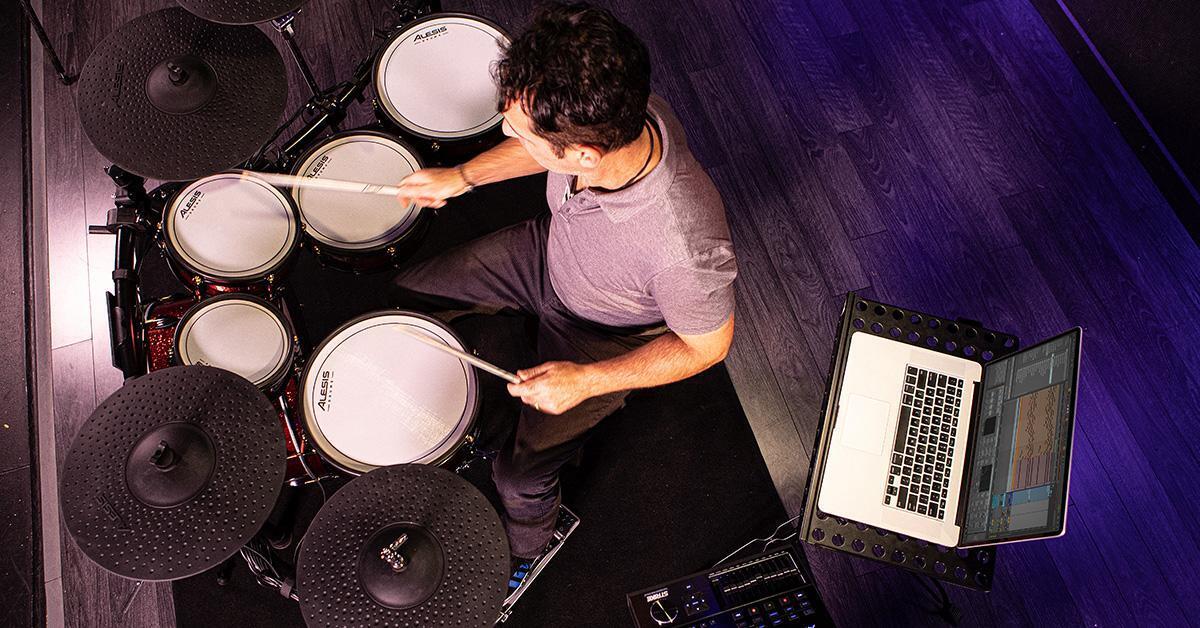
Again, if you use this to your advantage, you’ll be able to create more complex cues that rely on perfect timing to execute. If you use the tips we presented in our “How to Stay Flexible When Using Tracks” article, then you’ll still be able to have the freedom to jump around in the song or to recover from a missed intro, and your production will follow right along.
Best of all, it will reduce the stress your team feels: no more frustration because of rehearsals that run long, no more stress from trying to nail cues. Do the work on the front end and reap the rewards as you effortlessly execute your production and services.
The benefits of automating your Christmas service are vast, but how do you get started? Let’s talk about a few practical ways you can start this process this year.
Connect Your Computer to Your Production Gear
Perhaps one of the most important things to figure out first is how to connect your computer onstage to the booth. Maybe it’s to control your lyrics in ProPresenter or EasyWorship. Maybe it’s to control lights or change scenes on your soundboard. Whatever you want to do, you’ll need to know how to connect your computer to your production gear, whether that’s across stage, back to your front-of-house booth, or even to a completely different room (like a video booth).
The easiest, cheapest way to get started is by using Network MIDI, or RTP-MIDI. You can connect your computers directly via an Ethernet cable and use Network MIDI built into your Mac. If you’re using a PC, check out the free rtpMIDI app for a similar experience on Windows. For more info on how to setup an RTP session between computers, check out this tutorial.
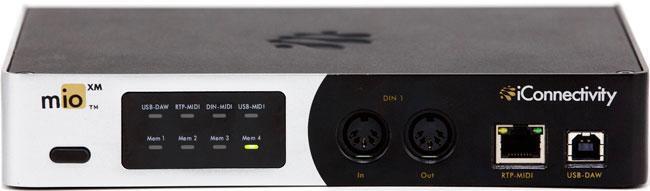
What do you do if you need to send MIDI over a long distance and need to connect to a device that uses 5-pin MIDI or USB MIDI? In that case, I’d suggest using the iConnectivity mioXM or mioXL paired with a PlayAUDIO12. These will allow you to send 5-pin MIDI or USB MIDI over a long distance with a redundant MIDI setup, so that you can keep going even if your computer goes down. Check out this tutorial using a PlayAUDIO12 and an iConnectMIDI4+ to see how easy it is.
Control Lyrics
Now that we’ve got our computers connected and our gear is connected to the Ableton computer, let’s talk about one of the easiest ways to get started with automation: controlling lyrics. This can provide so many benefits, but primarily it allows us to pre-program our lyrics so they’re perfect and consistent across every performance.
If you’re using ProPresenter or EasyWorship, this is incredibly easy to do. You can download a free ProPresenter template (available here) and drop cues into your Ableton session. Those MIDI cues will trigger specific slides or videos in ProPresenter and change them perfectly in time along with your click and other tracks.
This is one of the easiest, most affordable ways to get started with automating your production. If you want more in-depth info on how to control your lyrics with Ableton Live, check out this article.
Control Lights and Video
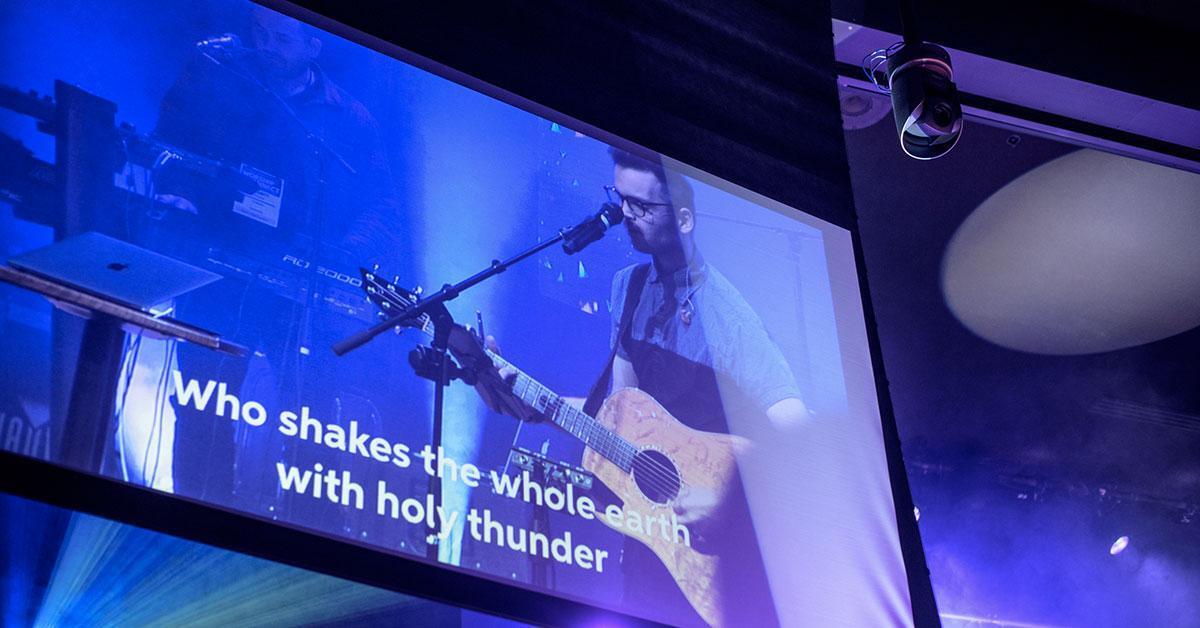
Other great things to control via Ableton are your lights and video. Automation allows you to create complex lighting cues that are perfectly timed to your music — no more stress while hoping that you nail your cues perfectly! It also allows you to sync lyric videos to your tracks so that the timing is perfect. As we discussed above, even if you repeat a section or jump around, automated video will follow along to the arrangement.
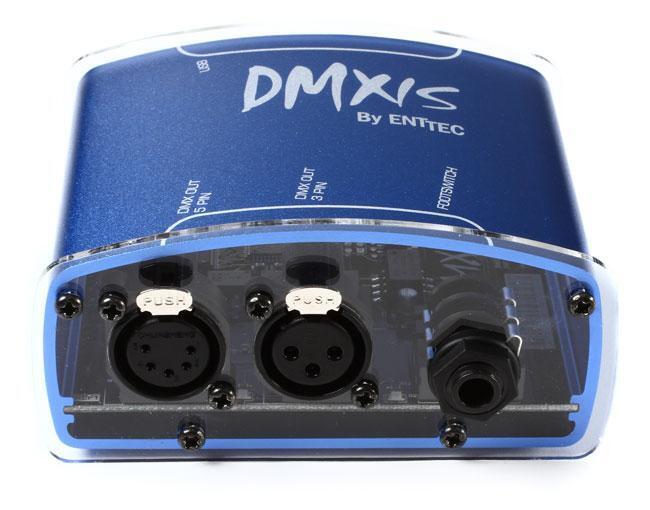
When programming lights, you’ll want to decide where you want to primarily program lights. If you’re using MIDI cues and a lighting controller like the ENTTEC DMXIS in Ableton Live, then you’ll be able to program lights directly within Ableton Live. This is a great solution if you’re doing a smaller scale production and limited on production team members. For example, if you’re a solo worship leader that is responsible for lyrics, lights, leading the band, and leading worship, then it might be easier for you to program directly in Ableton Live, using DMXIS, so you don’t have to run back to the lighting console to make a change.
You can trigger lights using MIDI cues, like MIDI notes or MIDI Show Control, but you may also use Linear Time Code (LTC). I’ve found that people often get scared or intimidated by LTC and time code in general, but, in the context of Ableton, you just need to know it’s simply another audio file. To get a look at how to generate LTC files and use them in Ableton Live, check out this tutorial.
If you’re looking to do more complex lighting, or you already have someone to serve as a lighting designer, then you might want to consider using LTC. Your programming experience will be to load in an LTC file that aligns with what the lighting designer is expecting, and they’ll program all their cues to happen at a particular time. All you need to do is press play. Better yet, set them up with a MIDI controller and a laptop, and they can run the show and program on their own without you there.
For video, I would highly recommend using LTC. It will give you an accurate sync between your arrangement location and your video so that they are perfectly aligned.
If you’re preparing to head into a busy Christmas season with many services and performances, have a conversation with your team before you dive in to decide if automating your service could benefit you. Pick one place to start — perhaps automating lyrics — and see how it enhances your experience this year. Once you get that under your belt, then slowly improve your experience every year as you automate more and more!