
SSL UF1 Quickstart Guide
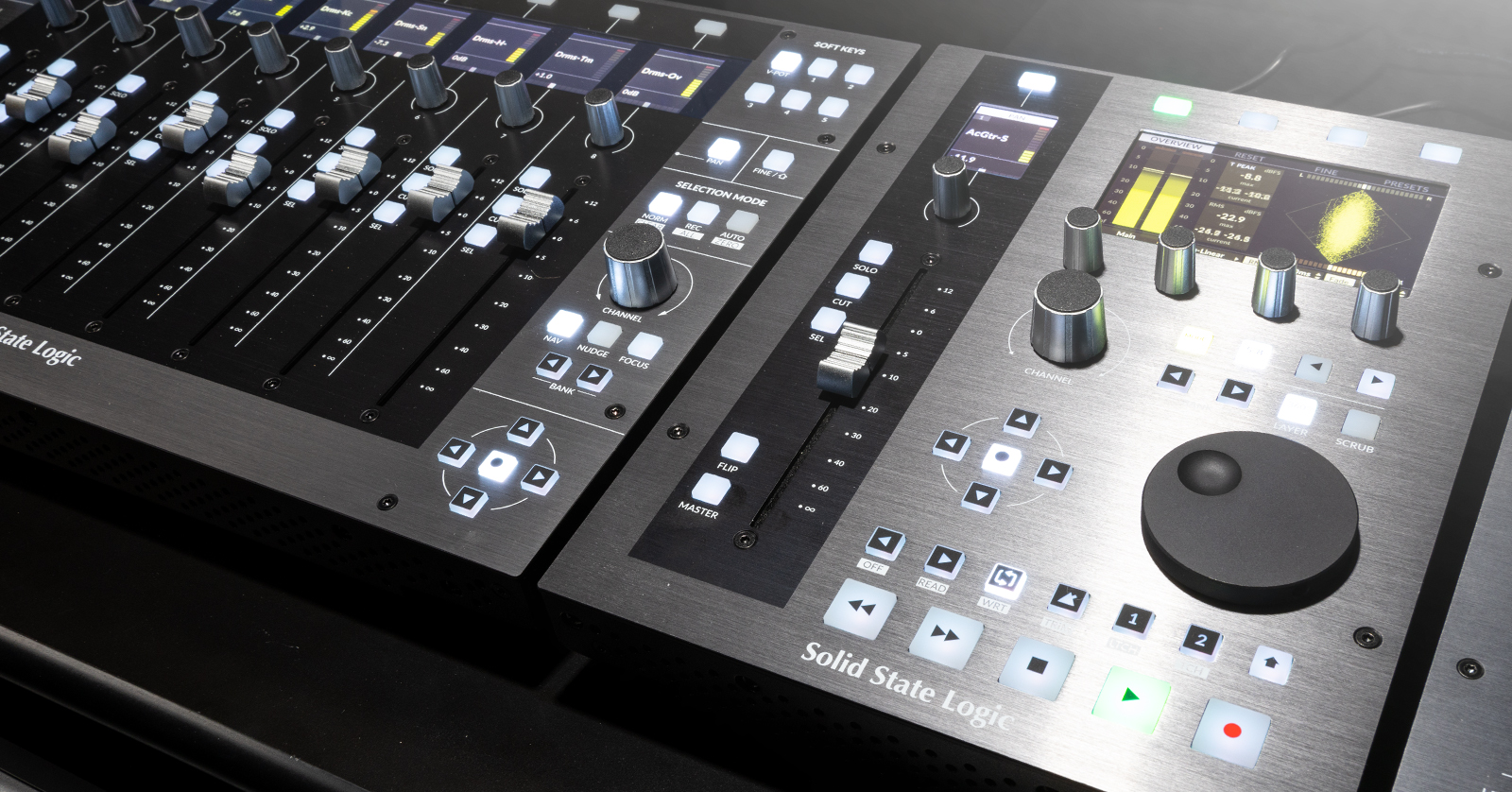
The SSL UF1 is a powerful DAW controller that can be used on not only its own, but also in conjunction with SSL’s UF8 and UC1 controllers. In this guide, we will show you how to register, set up, and use it for the first time. Follow the sections below to get started.
Register the SSL UF1
Before you begin, you must register the UF1 with SSL. Once you register your UF1, you’ll gain access to the SSL 360 software required to use your UF1 within your DAW. Keep your Sweetwater invoice handy; you’ll need some information from it to complete the registration process.
- Log into your SSL account. If you don’t have an account, you can create a new one here.
- Go to your account dashboard, click Register Products, and select Register Hardware.
- Use the dropdown box to select the UF1 and fill out the necessary information, including the serial number on the bottom of the unit, then click Submit Details.

Download and Install SSL 360
IMPORTANT! Do not connect the UF1 before installing the software! Doing so will cause your device to function incorrectly.
The SSL 360 software is necessary for the UF1 to function correctly. Not only that, but it’s where you’ll download updated versions of the software and firmware. If you have multiple SSL hardware controllers (e.g., UF8 or UC1) and link them together, you can identify and rearrange them the way you want within this software.
- Go to the SSL support download page.
- Select the UF1 from the dropdown box. Download and install the SSL 360 installer for your OS.
- Navigate to your Downloads folder, launch the installer, and follow the on-screen instructions.
- PC: Double-click the .exe file and follow the on-screen instructions.
- Mac: Double-click the .dmg file. In the new window that appears, double-click the .pkg file and follow the on-screen instructions.

SSL UF1 Setup and Connections
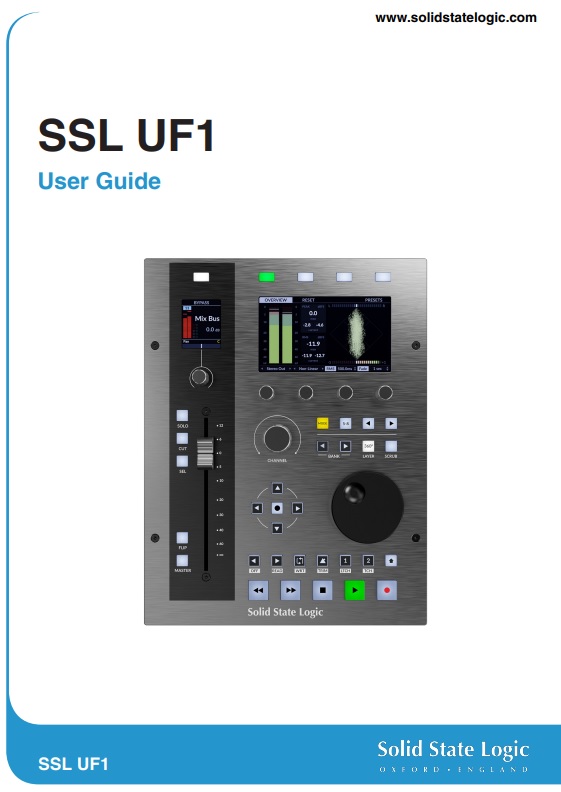
The SSL UF1 controller is great for your studio setup, and setting it up is straightforward. After you install the SSL 360 software, you just need to connect it to your computer and configure it for operation inside your DAW(s). We’ll cover the basics to get you up and running, but check out the SSL UF1 User Guide for in-depth information!
UF1 Hardware Connections
The UF1 connection is easy, as it’s a plug-and-play device. Simply connect the UF1 directly to your computer via the USB-C connection, and you’re all set.
- macOS users: When you connect it to your computer for the first time, the macOS Keyboard Setup Assistant will appear. When you see this, set the keyboard type (ISO, ANSI, JIS), then click Done.
Connecting the UF1 to an SSL UF8 and UC1
The SSL UF1 can be used not only as a standalone DAW controller, but also as an extension to an SSL UF8 and UC1! No additional hardware configuration is necessary, either. Just use the USB THRU port to link them together, and you’re all set.
SSL 360 Configuration
NOTE: It takes approximately 10–15 seconds for the UF1 to be discovered when you launch the SSL 360 software.
Once your computer detects your UF1, it’s time to launch the SSL 360 software to configure the device to work within your DAW. You can launch the software by double-clicking the SSL 360 icon on your desktop or by pressing the 360 button above the jog wheel on the UF1.
When you launch the software, the home page is where you’ll view and update your firmware version, rearrange and identify any connected SSL controllers (UF1, UF8, or UC1), and generate error reports that you’ll provide to SSL support if you’re having issues.
- For initial DAW setup, click the Gear icon on the left side of the app, then use the dropdown boxes to select your DAW and edit any keyboard shortcut configurations. Check out SSL’s UF1 User Guide and Setup Tutorials below to learn more about what you can do!
SSL UF1 Setup Tutorials
- SSL UF1 – Cubase Setup & Tutorial
- SSL UF1 – Pro Tools Setup & Tutorial
- SSL UF1 – Logic Pro Setup & Tutorial
- SSL UF1 – Studio One Setup & Tutorial
- SSL UF1 – Luna Setup & Tutorial
- SSL UF1 – Pyramix Setup & Tutorial
When you need help, Sweetwater has the answers!
Our knowledge base contains over 28,000 expertly written tech articles that will give you answers and help you get the most out of your gear. Our pro musicians and gear experts update content daily to keep you informed and on your way. Best of all, it’s totally FREE, and it’s just another reason that you get more at Sweetwater.com.

