

Elektron Digitone II Firmware Update Guide
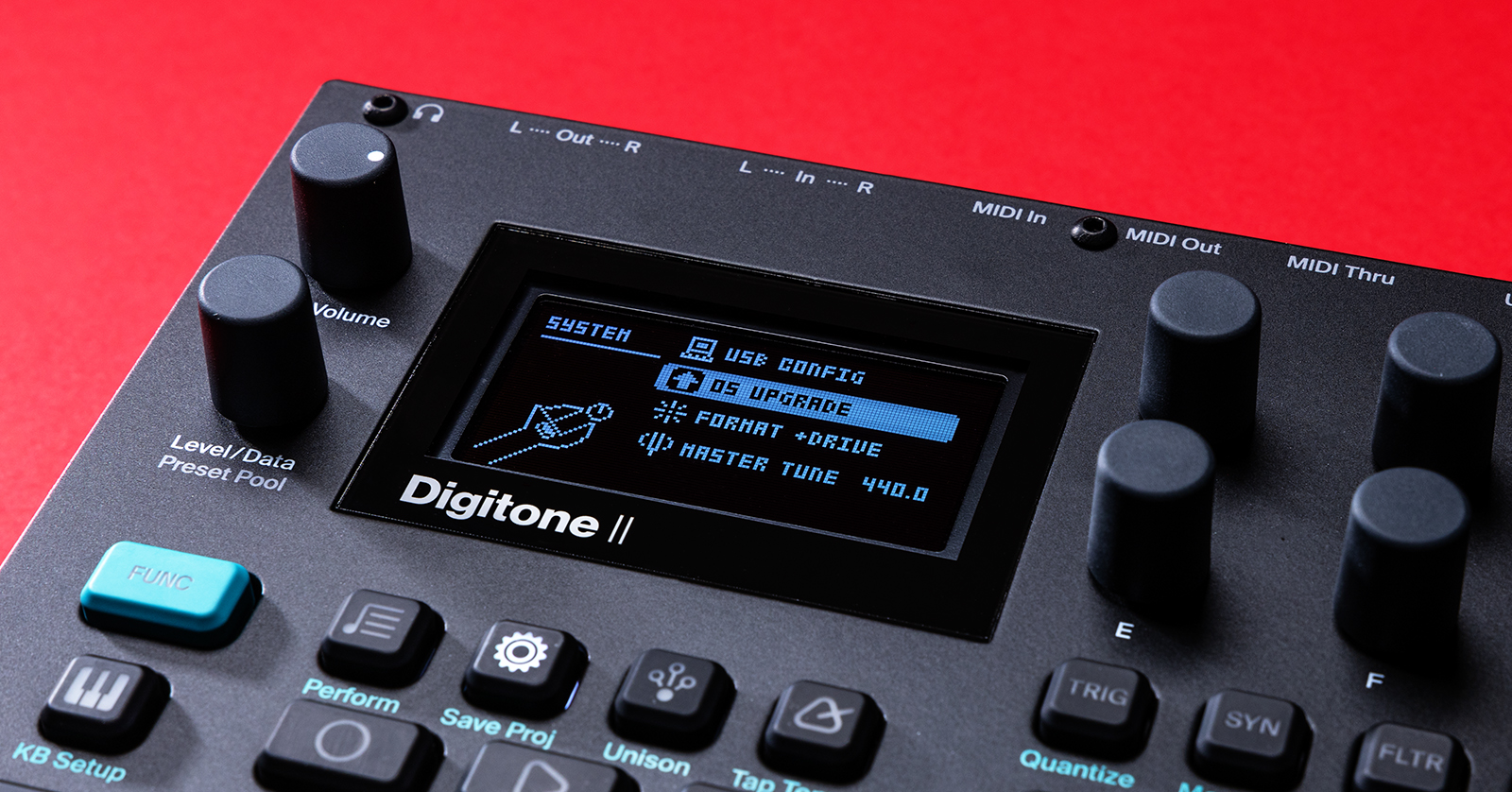
Digitone II OS Upgrade
Elektron will release OS (firmware) upgrades that often add new features and address bugs that are present in the current version. To upgrade the OS on your Digitone II, you must use the free Elektron Transfer software.
- Go to the Digitone II support page. Download both the Elektron Transfer application and the latest Digitone II OS, then install Transfer.
- Press and hold FUNC,then press the FLTR/Setup button on the Digitone II.
- Use the Data encoder to navigate to and select SYSTEM settings, then use the Data encoder to navigate to and select OS UPGRADE.
- Connect the unit to your computer. Launch Elektron Transfer.
- Navigate to CONNECTIONS. Set the MIDI IN and OUT ports to the Digitone II.
- Navigate to DROP, drag and drop the OS file you just downloaded, and press the YES button to begin the OS update.
- Once the OS upgrade is complete, the device will restart.

Click here to download the latest Digitone II OS and Elektron Transfer.
Related Articles
When you need help, Sweetwater has the answers!
Our knowledge base contains over 28,000 expertly written tech articles that will give you answers and help you get the most out of your gear. Our pro musicians and gear experts update content daily to keep you informed and on your way. Best of all, it’s totally FREE, and it’s just another reason that you get more at Sweetwater.com.

