
Behringer FLOW 8: Factory Reset
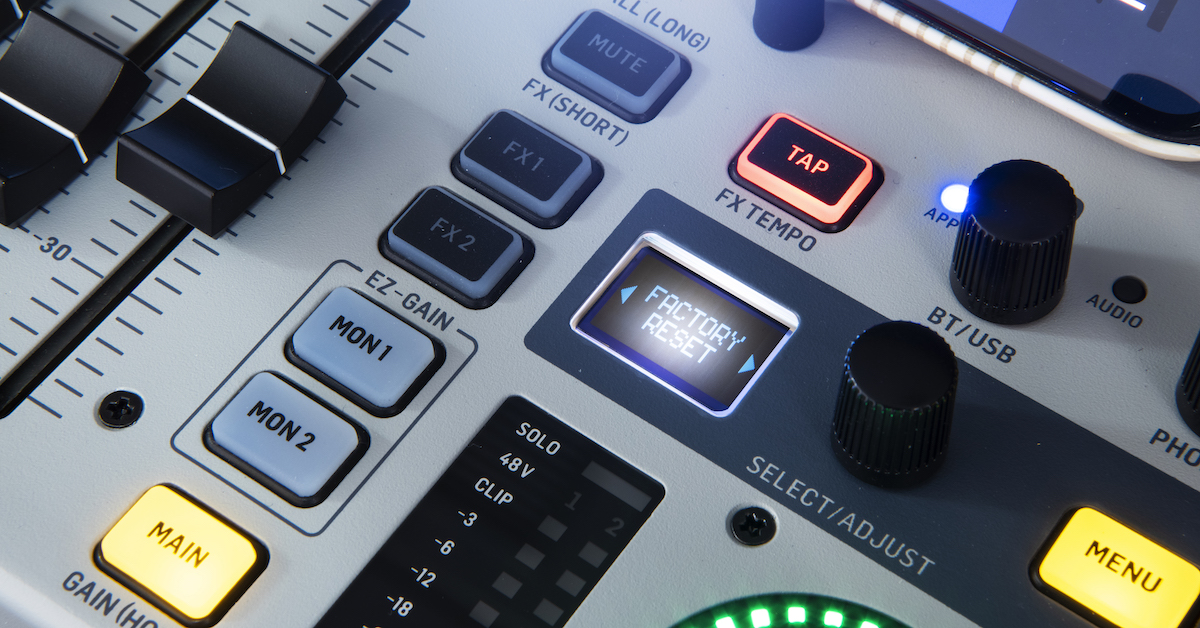
If you want to reset your FLOW 8 mixer, all of its saved data can be cleared with a factory reset. This is also useful when troubleshooting, so make sure to also power off and on the mixer, allowing at least ten seconds in between. You may also want to update FLOW 8 with the newest firmware available from Behringer.
How to Reset FLOW 8
- Press the MENU button.
- Rotate and press the SELECT/ADJUST encoder to select SETUP.
- Rotate and press the SELECT/ADJUST encoder to select FACTORY RESET.
- Press the SELECT/ADJUST encoder when prompted CLEAR ALL DATA?.
- Rotate and press the SELECT/ADJUST encoder to select YES RESET.
How to Update FLOW 8
You can update the firmware on the Flow 8 using the SimplyPUT app.
- Go to the Behringer Flow 8 product page. Click Downloads.
- Locate the newest version of the SimplyPUT app for Mac or Windows. Download it and install it.
- Connect your FLOW 8 to your computer with a USB data cable.
- Launch the SimplyPUT app.
- Wait for SimplyPUT to connect to FLOW 8 and display the latest available firmware software.
- Select the most recent version and click UPDATE.
- SimplyPUT will update FLOW 8. The mixer will restart once the update is complete.
When you need help, Sweetwater has the answers!
Our knowledge base contains over 28,000 expertly written tech articles that will give you answers and help you get the most out of your gear. Our pro musicians and gear experts update content daily to keep you informed and on your way. Best of all, it’s totally FREE, and it’s just another reason that you get more at Sweetwater.com.

