

Distortion is a not-so-secret weapon for recording and mixing engineers. Obviously, heavy distortion will drastically alter a sound source, but you can also apply distortion in a restrained manner to add richness, warmth, or edge to an individual track or a full mix. For this article, we’ll look specifically at distortion plug-ins and attempt to bring some clarity to the question of which distortion plug-in you should choose for a given application with a focus on tube, transformer, and tape-emulation plug-ins. To kick things off, let’s look into the science of what distortion is and why it sounds so dang good!
Why Does Distortion Sound Good?
Technically, distortion refers to any alteration of an original signal, no matter what device or software is affecting the change or if the alteration is intentional or an unwanted byproduct of the device or software design. Commonly, when musicians and mixing engineers use the word “distortion,” they are talking about harmonic distortion.
Without delving too deeply into the technical details, harmonics are multiples of the fundamental frequency produced by an instrument or a tone generator, and the number and amplitude of the harmonics in relation to the fundamental is what gives instruments their unique timbres. So, the term “harmonic distortion” refers to when a device alters the existing harmonic content of a signal or generates new harmonic content.
Harmonic distortion comes in two flavors: second-order harmonic distortion and third-order harmonic distortion. Second-order harmonic distortion predominantly contains harmonics that are even-numbered multiples of the fundamental, meaning that they remain in tune with the fundamental and alter the timbre in a musically satisfying way. Third-order harmonic distortion amplifies or generates harmonics that are odd-numbered multiples of the fundamental. It tends to produce edgier tones, and, depending on the musical intervals played on a single instrument or in an arrangement, too much third-order harmonic distortion can produce discordant overtones and impact the clarity of the sound.
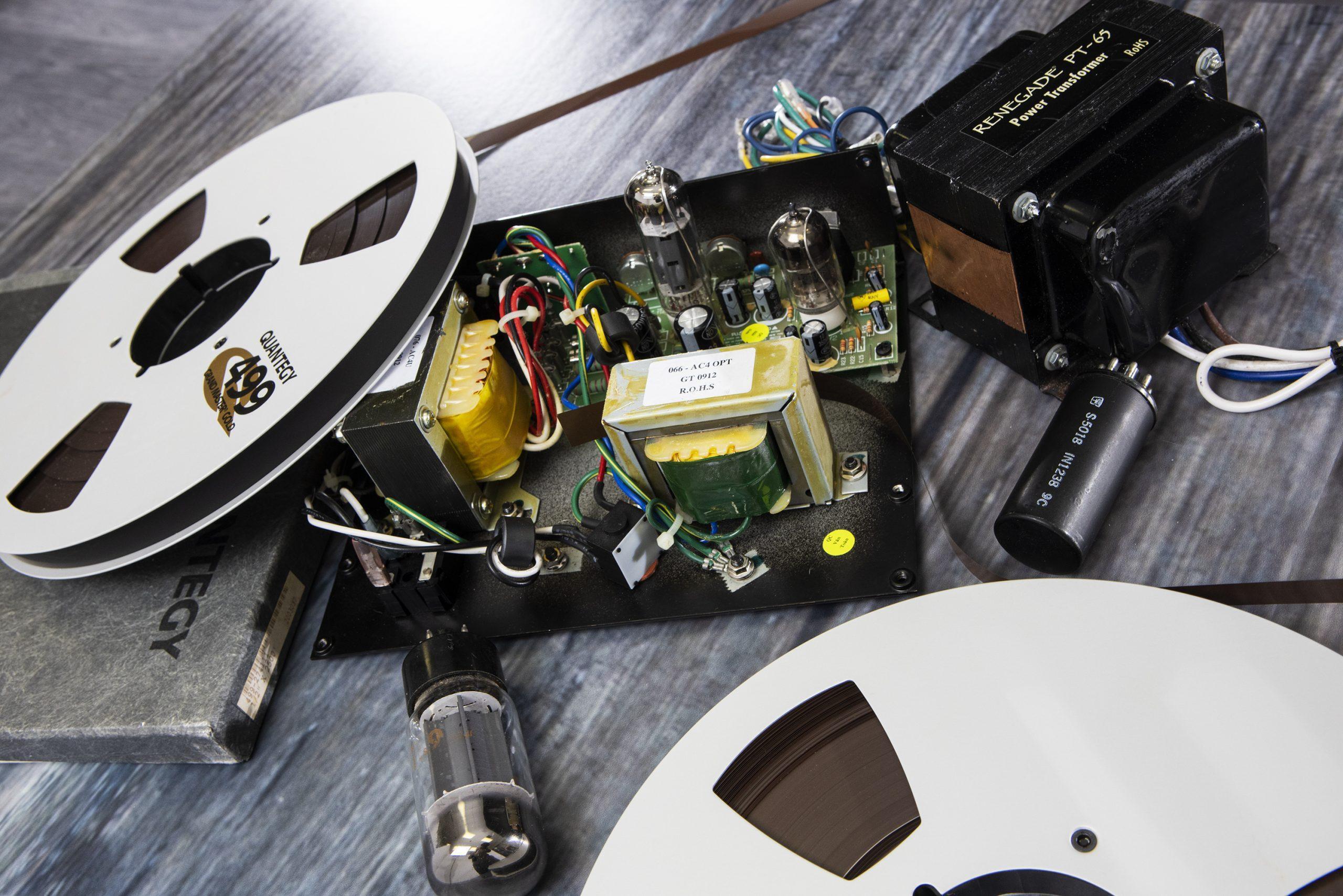
It should be noted, however, that second-order and third-order harmonics are not mutually exclusive in any device that produces distortion. Both are present, and the ratio between them determines the character of the distortion. Nevertheless, second-order harmonics are generally associated with vacuum tubes, while third-order harmonics are associated with transformers, transistors, and magnetic tape.
In practical terms, a basic understanding of the two types of harmonic distortion can help us narrow our choices when we’re looking to distort a signal in a specific way for a mix. Looking for warmth and roundness? Try a tube-distortion emulation. Want to add a little edge and aggression? Then transformer distortion or tape saturation is the right way to go.
Enough science! Let’s dive in and examine six applications of distortion for mixing using tube, transformer, and tape-emulation plug-ins.
- Tube Distortion for Juicy Bass
- Transformer Distortion for Guitar Aggression
- Parallel Tube Distortion for Drum Impact
- Heavy Transformer Distortion for Bold Percussion
- Subtle Distortion for Vocal Clarity
- Tape Saturation to Punch Up a Mix
IMPORTANT!
For best results, please listen to the provided sound samples through high-quality studio monitors or headphones.
Tube Distortion for Juicy Bass
Bass and distortion go together like peas and carrots. Even in clean arrangements, adding distortion to a bass track can make it pop in a mix, tightening up the low end and contributing tasty upper harmonics that help the bass stand out whether you’re listening back on high-end studio monitors or a smartphone speaker.
For this example, I tracked the bass line with a late-1990s G&L L-2000, strung with La Bella Deep Talkin’ Bass Gold Flats, through the DI input of the UAD Apollo Twin Quad MKII. Straight into the box, it sounded great. However, I wanted to add more girth and grit to the tone. I opted for the Kush Audio REDDI for this application, a plug-in emulation of the A Designs REDDI 1-channel tube direct box. The REDDI is a great choice for dialing in a range of bass tones from modern to vintage. Plus, it allows you to drive the tube into extremely pleasant distortion.
Let’s listen to the unprocessed bass track.
Next, we’ll flick on the REDDI with the tube pushed for some dirt.
As you can hear, the lows get a little fuller but remain tight. Plus, the top benefits from a hint of compression on the transients. In the context of a mix, this has the dual benefit of fortifying the bottom and smoothing out the top without sacrificing clarity.
Transformer Distortion for Guitar Aggression
When arranging the example track, the target guitar tone was a crunchy, atmospheric sound inspired by Texas post-rockers Explosions in the Sky and Lift to Experience. Initial tracking was done with a Harmony Jupiter electric guitar running through a Crazy Tube Circuits Falcon overdrive and a Dunlop EP103 Echoplex delay pedal into a Supro Blues King 12 combo amp. The guitar arrangement is chord based and dynamic, moving from light breakup to medium drive, with complementary parts in the left and right channels.
Take a listen.
You might be asking, “Why would someone add distortion to tracks that are already distorted?” In this case, the decision was dictated by the mix. While fine on their own, the guitars sounded dull compared to the cymbals and vocals.
One option would have been to reach for an EQ to add brightness; however, that has a tendency to accentuate the fizziness of a distorted guitar in an unpleasant way. The other option, the one I chose, was to use transformer distortion to dial up the aggression while avoiding stridence.
The UAD Neve Preamp plug-in (available as part of a UAD plug-in package) is a great tool for this task, with a variable input level for fine-tuning the amount of distortion and saturation it applies to a track. Additionally, by routing both guitar parts to a stereo bus loaded with the UAD Neve Preamp, I can “glue” the parts together organically, making them easier to slot into the mix.
Parallel Tube Distortion for Drum Impact
If bass and distortion go together like peas and carrots, then drums and distortion go together like a fire-grilled ribeye with a cognac peppercorn sauce — deliciously! That said, slapping a distortion plug-in right on your drum bus rarely yields positive results, just like oversaucing your steak. Yet, when mixed in parallel, drum distortion makes for impactful drum mixes that leap from the speakers.
Setting up a parallel distortion track is a straight-ahead affair. In your DAW, duplicate your drum bus, then instantiate your distortion of choice and, if it has a mix knob, make sure that the mix is 100% wet. You can audition your drum distortion by muting your primary drum bus. Nail down your tone, unmute your drum bus, and use the fader on the parallel distortion bus to season to taste.
A spectacular plug-in for drum distortion is the Soundtoys Decapitator analog saturation plug-in; it provides five distortion types modeled from high-end hardware saturators. For this clip, I opted for the “P” style, which is modeled from the pentode setting on the Thermionic Culture Vulture.
Let’s listen to the clean drum mix.
Next, you’ll hear the distorted drum channel in isolation.
The Decapitator is doing a few things: It drastically softens the transients, making them warm and gooey; it compresses the dynamic range of the entire drum mix; and it fattens up the kick drum in a serious way. For an intentionally lo-fi mix, I could almost use this track on its own. But, by blending it in roughly 15dB below the clean drum track, I take advantage of those characteristics, retain the clarity I worked hard to achieve in the drum mix, and end up with a beefier kick, a more impactful snare, and vibe-drenched cymbals.
Heavy Transformer Distortion for Bold Percussion
So far, I’ve used distortion to subtly enhance recorded material. But distortion is also a great tool for heavily processed sound-design elements, particularly percussive sounds. A quick confession: I love tambourines and will look for any way I can work them into a track. Yet rarely do I leave them untouched by effects. Generally, they’re flowing through some mash-up of chorus, flanger, delay, reverb, and definitely distortion.
The XLN Audio RC-20 Retro Color plug-in is a favorite plug-in of mine for processing tambourine as it offers a chain of noise, modulation, echo, and harmonic effects. To create an extremely unnatural but exciting tambourine hit, I use a combination of all of these elements minus the noise. A huge part of the sound comes from cranking an iron transformer–style distortion nearly to the max.
Here is the tambourine with processing but without the distortion.
And here it is with the distortion engaged.
It completely alters the timbre of the . . . ahem . . . tambourine. Instead of a clean jangle, it’s thick, grimy, and almost industrial in tone and is a nice piece of ear candy.
Subtle Distortion for Vocal Clarity
In some of the previous examples, you’ve heard how distortion actually adds clarity to a signal when used judiciously. And that is especially true for vocals, which, depending on the song, can benefit from a range of distortion and saturation types. Yet, more often than not, when I’m looking for a plug-in to give a vocal the slight boost it needs to jump out of a mix, I reach for Avid’s Lo-Fi.
Bundled with Pro Tools, Lo-Fi is one of the best stock harmonic processors out there with an impressive amount of adjustability, including controls for soft-clipping distortion (similar to tube distortion), saturation, sample rate/size reduction, and anti-aliasing control. But, when using it for vocal clarity, I just use the distortion knob, setting it somewhere between 0.1 and 0.4. Remember, this is subtle! And, to fully appreciate it, you need to hear it in the context of the mix.
First up, the full mix with vocal, sans Lo-Fi.
When I listen to that, it feels like the vocal is tucked too deeply into the instruments. But using the fader to pull it up makes it feel disconnected from the music. Also, EQ didn’t work for me. I gained some additional presence but lost the weight of the vocal. Now, I’m certain — given enough time and the right combination of tone and dynamics shaping — I could get there with just EQ and compression. However, I know that Lo-Fi can give me the presence and pop I need — in a jiff.
With Lo-Fi applied, listen to how the vocal comes to the fore but stays rooted in the ensemble.
Tape Saturation to Punch Up a Mix
Those of us who work primarily in the box understand the challenge of eliciting the warmth and depth inherent to analog studio gear. One way to easily imbue your mixes with analog character is to strap a tape-emulation plug-in to your stereo mix bus. When using a tape-emulation plug-in on my mix bus, I find it’s best to apply it prior to starting my mix since it affects the choices I make in terms of EQ and compression. In fact, I frequently find that my individual tracks require less processing than I would otherwise use.
My current go-to tape-emulation plug-in is the UAD ATR-102. But I’ve also had a lot of success with the Softube Tape plug-in, available in the Softube Volume 5 plug-in bundle. The UAD ATR-102 offers numerous creative presets and a selection of tape formulations, tape speeds, and calibrations, each with its own sonic identity. When using a tape emulation on the mix bus, I usually opt for the least colorful sound since this is another instance where it pays to be judicious. However, even when employed like this, the UAD ATR-102 and other tape emulations can have a profound effect on the overall sound and feel of a mix.
As the saying goes, the proof is in the tasting (of the pudding), so check out the full mix without tape emulation.
Now listen with the UAD ATR-102 added.
Conclusion
Hopefully, this distortion exploration provided some insight into the whys and hows of using distortion for putting the finishing touches on a mix. Frankly, I can’t live without distortion plug-ins when mixing in the box. They’re an indispensable part of my workflow, and they always lead to better mixes with more vibe and depth. If you have any questions about the plug-ins mentioned in this article or any other of the countless distortion and saturation plug-ins available at Sweetwater, please reach out to your Sweetwater Sales Engineer at (800) 222-4700. They’re an invaluable resource, and Sweetwater makes purchasing plug-ins a breeze!