
iRig 2 Quickstart Guide
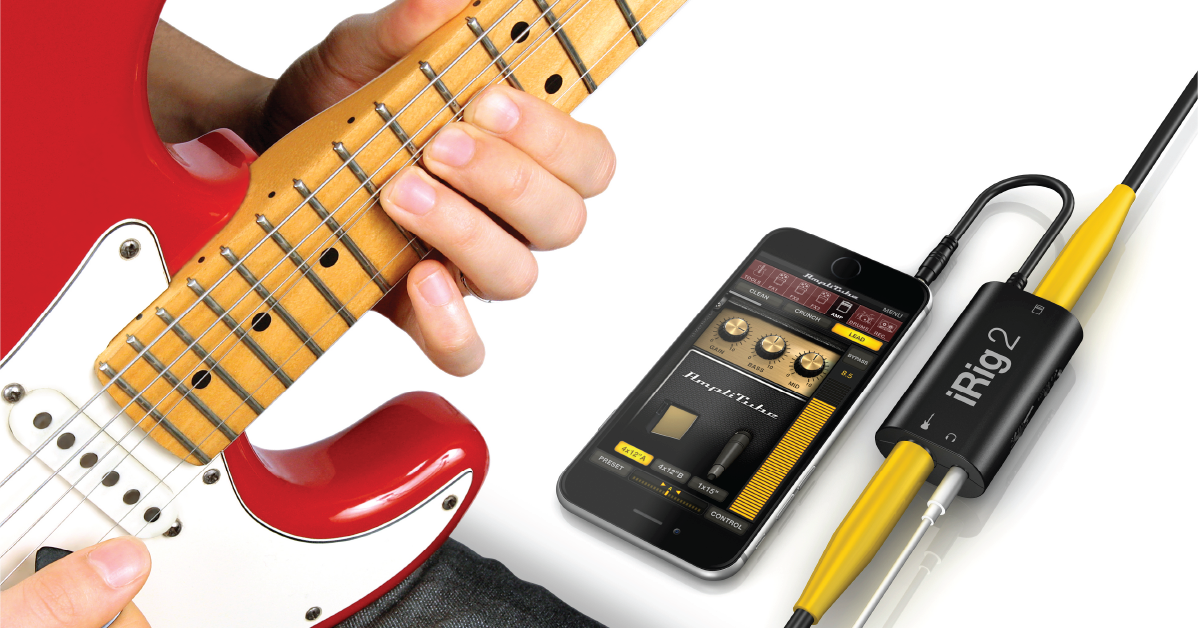
Getting started with the iRig 2
In this guide, we will show you how to register, setup, and connect your IK Multimedia iRig 2 for the first time. Follow the sections below to get started.
Register the iRig 2
Before you begin using your iRig 2, the first thing you’ll want to do is register the device with IK Multimedia. By registering the device, you’ll receive an additional extended warranty through IK Multimedia. Follow these steps to complete the registration process.
- Log in to your IK Multimedia account. If you don’t have an account, click the red Register button on the right, fill out the required information, and then click Register again.
- Go to the registration page, enter the serial number, then click Register.
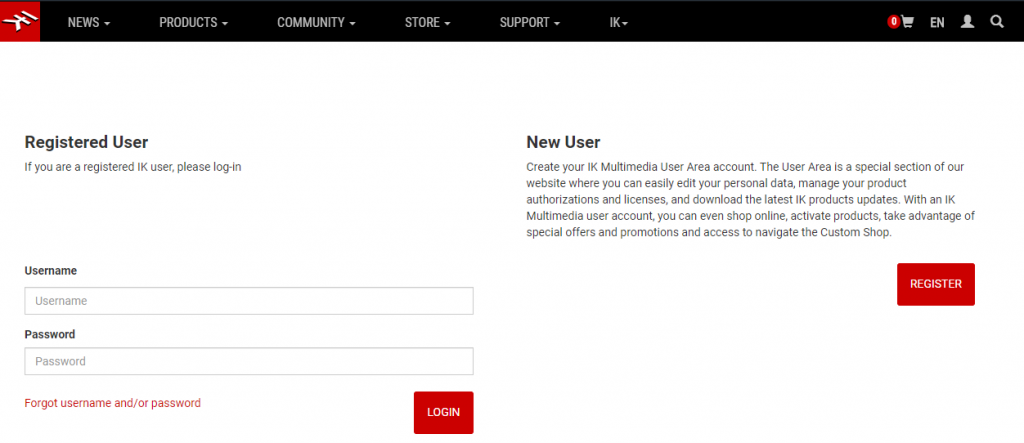
Click the image to create or sign in to your IK Multimedia account.
Setup and connections
Once the device is registered, you can then get everything set up. You’ll first need to download the AmpliTube app from the App Store, then get everything connected. Follow these steps to download the app and connect to your iRig 2.
IMPORTANT: Before you connect anything, be sure that the volume on your mobile device and the iRig is turned all the way down.
- Go to the app store and download the Amplitube CS app.
- Connect the ⅛-inch cable from the iRig 2 to your mobile device’s headphone jack.
- Connect your headphones to the headphone jack on the iRig.
- Connect your guitar (or other mono instrument) to the guitar input using a ¼-inch TS cable.
Are you connecting to a guitar amp?
Use the Thru/FX switch on the iRig when connecting it to your amp. If set to FX, the signal from AmpliTube will be sent to the guitar amp. If set to Thru, it bypasses AmpliTube completely. This is especially useful if you are needing to use a guitar tuning app on your phone.
Update the Amplitube CS app settings
Once everything is connected, the last thing you’ll want to do is launch the Amplitube CS app and update its settings. Depending on how you’re using it, you may need to change some options within the Settings page.
IMPORTANT: If you’re using the iRig with your headphones, never have the No Feedback option set to OFF, as this may cause feedback. Also, be sure not to unplug them while using the app.
- Launch the app, then tap the three horizontal lines to open the Settings window.
- Slowly turn the volume up on your mobile device, iRig, and input and output sliders in the app until it’s at a comfortable listening level.
- Update the Latency and Oversampling settings. For the best performance, set the Latency to Ultra Low and turn Oversampling on.
- If by any chance, you start hearing pops and clicks, you will want to adjust these settings.
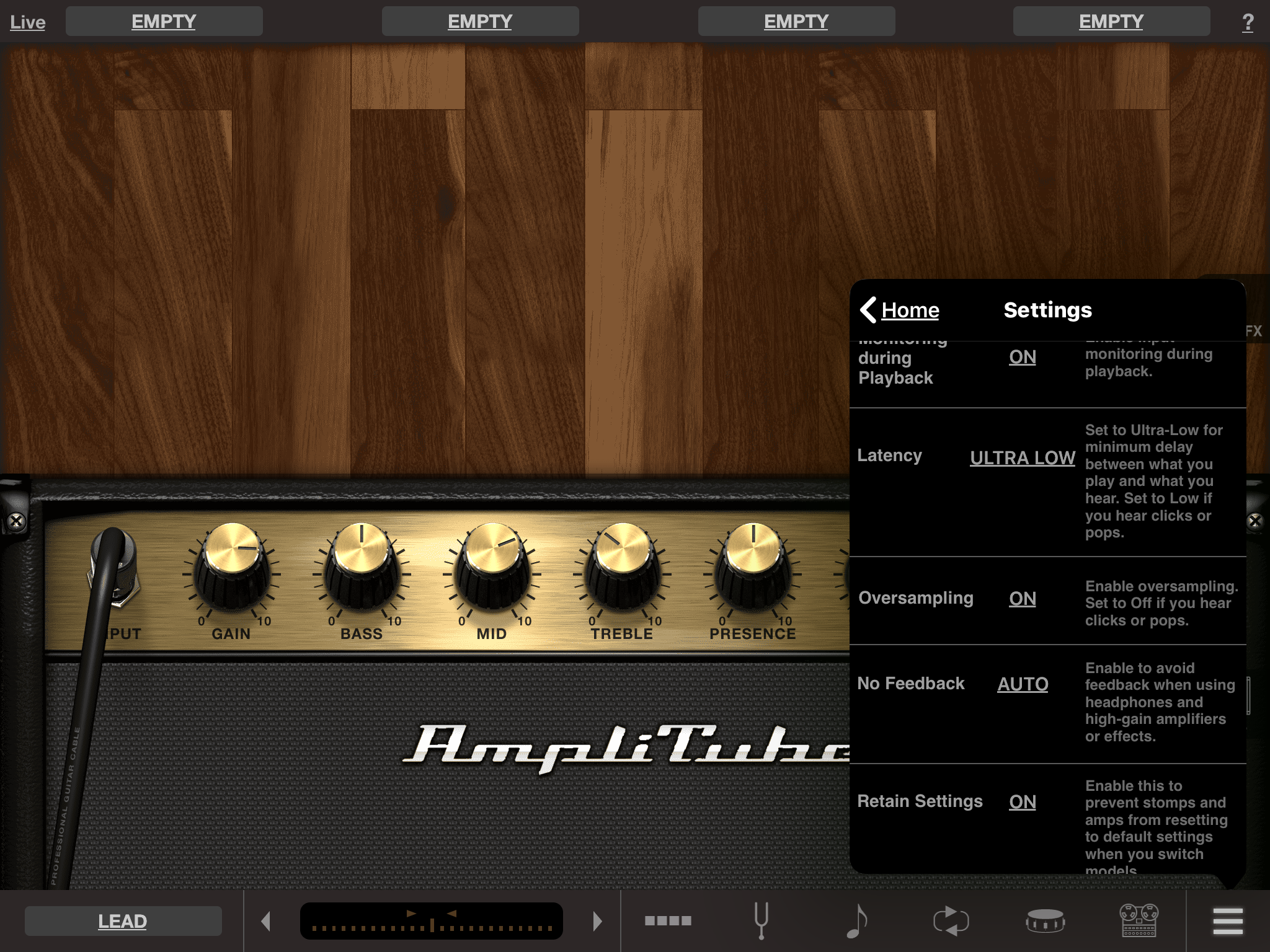
Never set the No Feedback option to OFF if using headphones.
When you need help, Sweetwater has the answers!
Our knowledge base contains over 28,000 expertly written tech articles that will give you answers and help you get the most out of your gear. Our pro musicians and gear experts update content daily to keep you informed and on your way. Best of all, it’s totally FREE, and it’s just another reason that you get more at Sweetwater.com.

