

Bose L1 Pro Firmware Update Instructions
How to update the firmware on a Bose L1 Pro
In this guide, we will show you how to perform a firmware update on your Bose L1 Pro speaker system. Follow the steps below to get started.
IMPORTANT: Make sure you’re using a USB-C cable and not a Thunderbolt cable. Thunderbolt cables are not compatible with your Bose L1 Pro system.
- Go to the Bose Updater page, use the dropdown box to select your country, then click Download.
- Navigate to your Downloads folder, launch the installer, and follow the on-screen instructions.
- Launch the Updater application, then connect the Bose L1 Pro to your computer.
- You will be notified if your system is out-of-date.
- Click the green Update Now button to begin the firmware update.
- Do not disconnect or turn off your system during the update process.
- Once the firmware is completed, you can disconnect it from your computer.
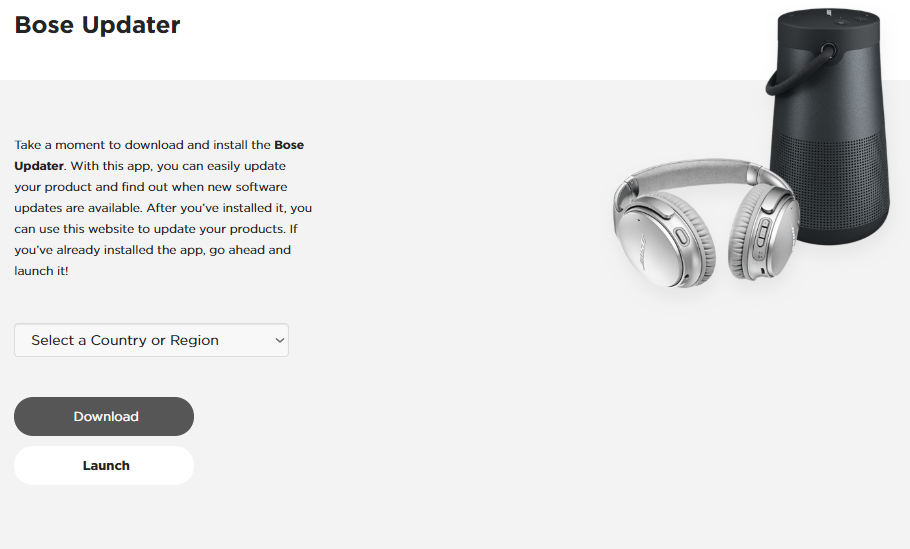
Click the image to download the Bose Updater application
When you need help, Sweetwater has the answers!
Our knowledge base contains over 28,000 expertly written tech articles that will give you answers and help you get the most out of your gear. Our pro musicians and gear experts update content daily to keep you informed and on your way. Best of all, it’s totally FREE, and it’s just another reason that you get more at Sweetwater.com.

