

The ability to create realistic drumbeats is an asset that can instantly take your music to the next level. Whether you’re a beginner, beat maker, or seasoned producer, knowing how to program drums is one of the best skills any musician can have. In this article, we will investigate the simple yet effective methods that can give your programmed drumbeats the natural, human quality that so often embodies the work of a real, live drummer. By following these guidelines, you can make your programmed drums groovy and far more pleasing to the ear.
Understanding Drum Patterns
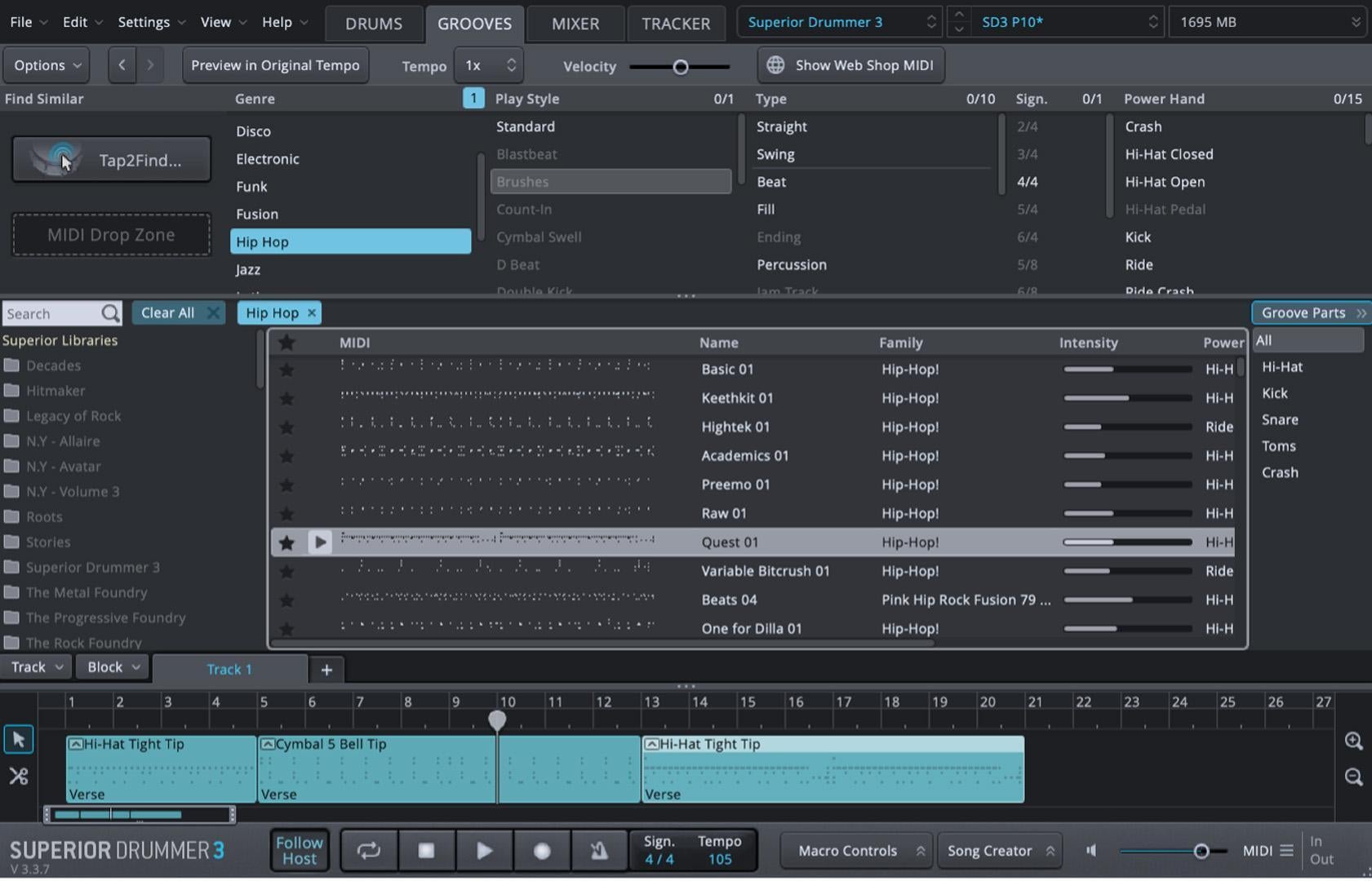
The foundation of good drum programming is really getting the drum patterns down for each genre of music you’re doing. For example, with rock music, you’re most likely going to have a very direct beat that is straightforward and steady with a strong backbeat on the snare drum whereas a hip-hop track may have more syncopation and more heavily emphasized kick and snare drums throughout the beat. Jazz, on the other hand, often involves more complex rhythms and subtle cymbal play. Familiarizing yourself with these patterns gives you a solid starting point to build upon. Superior Drummer 3 by Toontrack is an exceptional drum plug-in that provides invaluable insights into genre-specific drum patterns. It includes a comprehensive MIDI library encompassing a wide range of music genres that easily integrates into your digital audio workstation (DAW) with a simple drag-and-drop feature.
Humanizing Your Beats
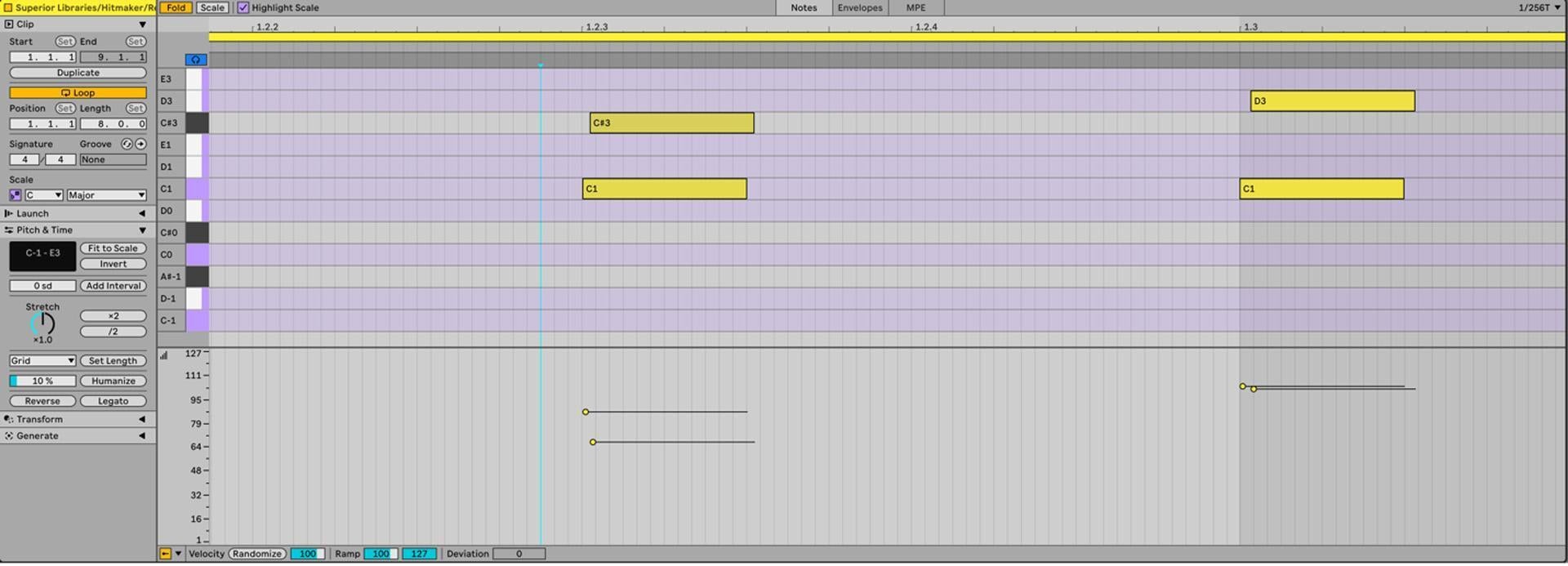
Another key component of drum programming is humanizing your drumbeats. Human drummers naturally change the timing and force of their hits just slightly, which adds to the groove of the track. When utilizing a DAW to produce music, it can be very tempting to use the quantization features to snap every MIDI note directly to the grid for perfect timing. This may result in music that sounds robotic and lifeless. One technique you can implement is to quantize some notes on the grid and then move other notes slightly off the grid to give your drums a more human feel. Also, you can vary the velocity (strength) of each drum hit. Most DAWs allow you to manually adjust these settings. For instance, softening the velocity of every second hi-hat hit can instantly make the pattern feel more organic.
Implementing Swing and Groove
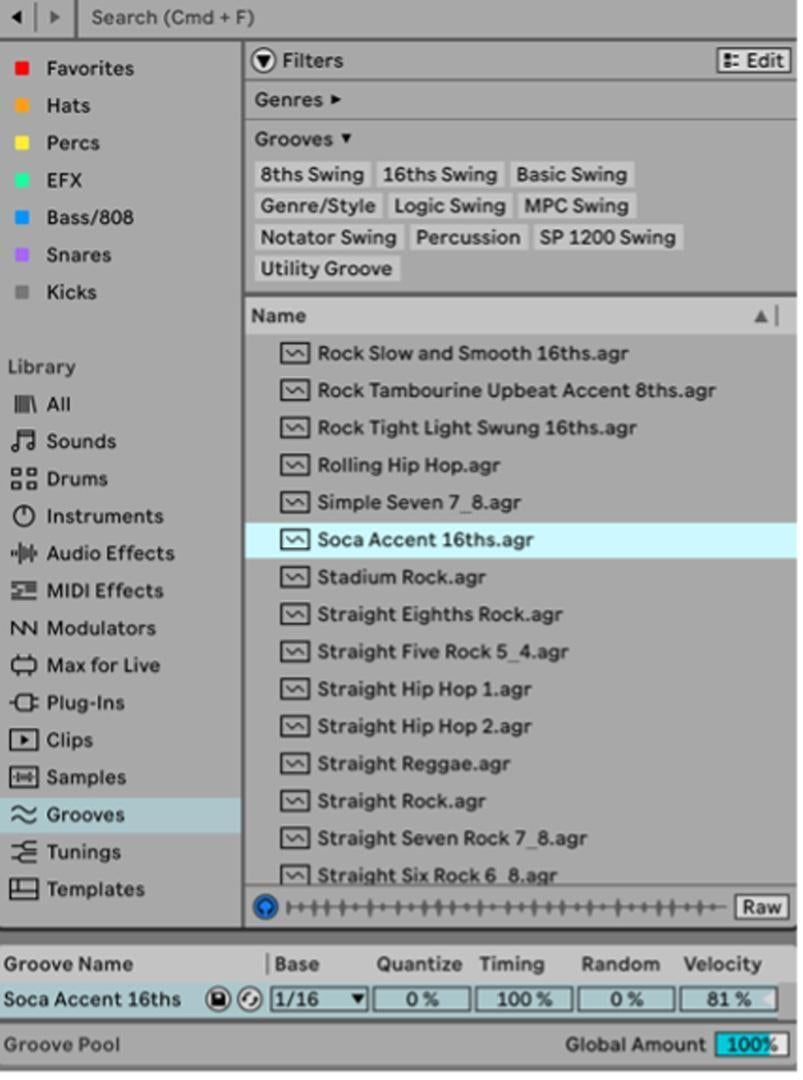
Swing and groove templates are invaluable for adding natural rhythm to your drum tracks. These templates slightly delay certain beats, which can help emulate the groove that is often heard in live performances. Many DAWs, such as Ableton Live 12, come equipped with built-in groove templates. Experiment with different swing settings in your DAW to see how they affect the feel of your pattern. A little swing can go a long way in genres like funk and jazz, where a laid-back feel is often crucial.
Using Layering Techniques
One simple way to add depth to your drum sounds is to layer them. Layering drum samples can create a unique sound that makes your track stand out. For example, if you have a snare that is tight and punchy, then you can give it more texture by layering it with a more resonant snare sample. This is also a great way to create new drum sounds that no one else has, which can make your tracks stand out even more. Be sure to adjust the volumes and effects on each layer subtly to maintain a cohesive sound that doesn’t overpower the mix.
Incorporating Ghost Notes
As the name suggests, ghost notes are subtle drum hits that blend into the beat and are often felt more than heard. They are particularly prominent in styles like funk and jazz, where they add a layer of texture and rhythm without overpowering the main elements. Adding ghost notes on a snare or hi-hat can make your patterns more intricate and dynamic. In your DAW, you can program these notes at lower velocities in between the main hits to subtly enhance the groove.
Choosing the Right Samples
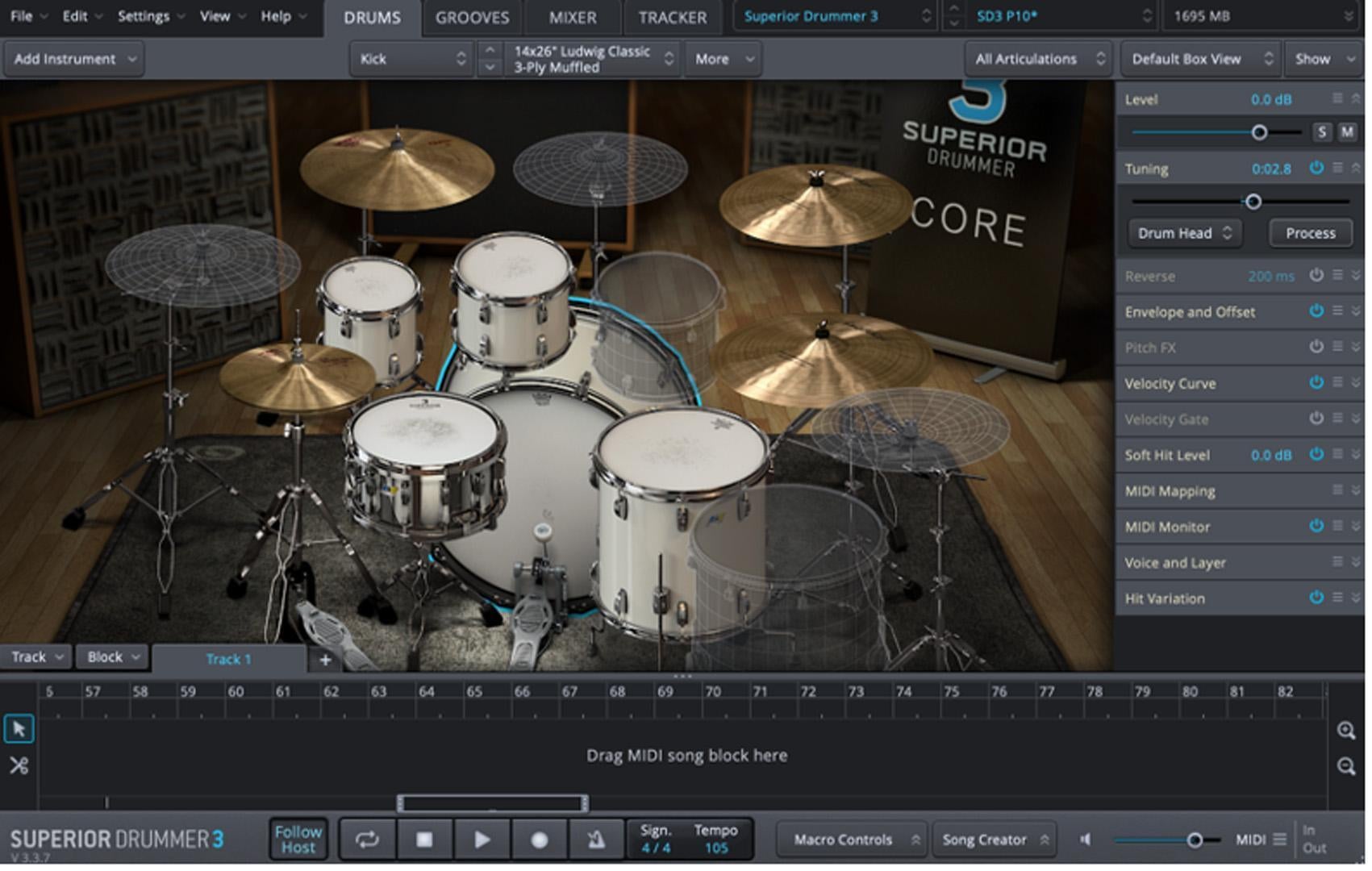
Most music producers agree that selecting the right drum samples is crucial to creating high-quality drum tracks. Many spend years and countless hours collecting high-quality, well-recorded samples that capture the nuanced sounds of real drums. If you want to create better drumbeats, then you should spend time curating your sample library — look for variety in each type of drum component (kick, snare, hi-hat, cymbals) to suit different production needs. Tools such as Toontrack’s Superior Drummer 3 offer a comprehensive solution, providing you with an extensive library of high-quality drum sounds recorded in professional studio environments. This plug-in not only includes a wide variety of drum kits and individual drum sounds but also offers extensive customization options that allow you to shape the sounds to fit your specific needs. Superior Drummer 3 is designed to emulate the detailed acoustics of real drumming, featuring adjustable microphones, room ambience, and mixing capabilities, to enable producers to create drum tracks that are both dynamic and expressive. Using such sophisticated tools can dramatically enhance the authenticity of your drum sounds, making them indistinguishable from live drums, and is especially useful for producers aiming to elevate their music production to professional levels.
Dynamic Variation
Adding dynamic variation to your drumbeats is an effective way to keep listeners engaged throughout your track. You can achieve this by altering the intensity of your drum programming, incorporating different fills every four to eight bars, and changing cymbal patterns. These techniques contribute to a more lively and varied drum track. Whether you’re new to drum programming or an experienced producer seeking fresh inspiration, a valuable tool to consider is the Fusion Fills MIDI drum pack by Toontrack. Fusion Fills MIDI offers over 700 files featuring short and long fills, all in 4/4 time, with both straight and swing variations. Incorporating these elements will enhance your drum tracks, making them more dynamic and captivating for your audience.
Conclusion
Mastering your drum-programming methods is a journey that blends technical skill with creative expression. By understanding just a few of the techniques mentioned in this article, you can create drum tracks that are both realistic and captivating. With practice and the right tools, you can elevate your music production to new heights and deliver tracks that resonate with energy and authenticity.