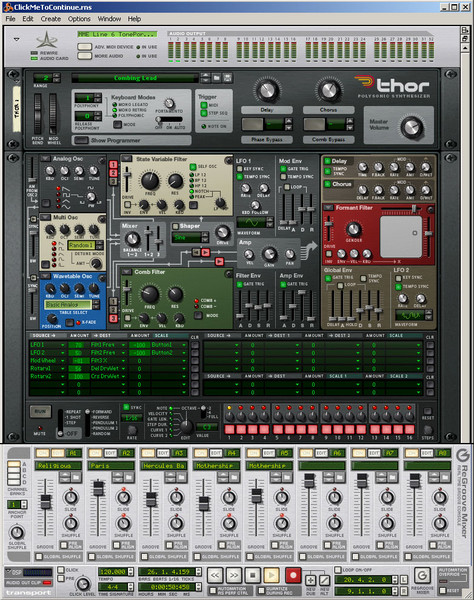
If you decide to edit the automation available to you in Propellerheads‘ Reason 4 in great detail, it makes sense to split the sequencer off from your virtual rack, then zoom in to make that window fill your monitor screen. By doing this, you can easily get down to the smallest note to adjust volume, duration, pan, and so forth. Reason makes this easy by letting you click on “Detach Sequencer Window” from the main menu bar. If you’re fortunate enough to have a second monitor, detach the sequencer and move it there. Now, you’ll have access to the Reason 4 main window on monitor one and the sequencer window on monitor two, for fast, easy edits.