
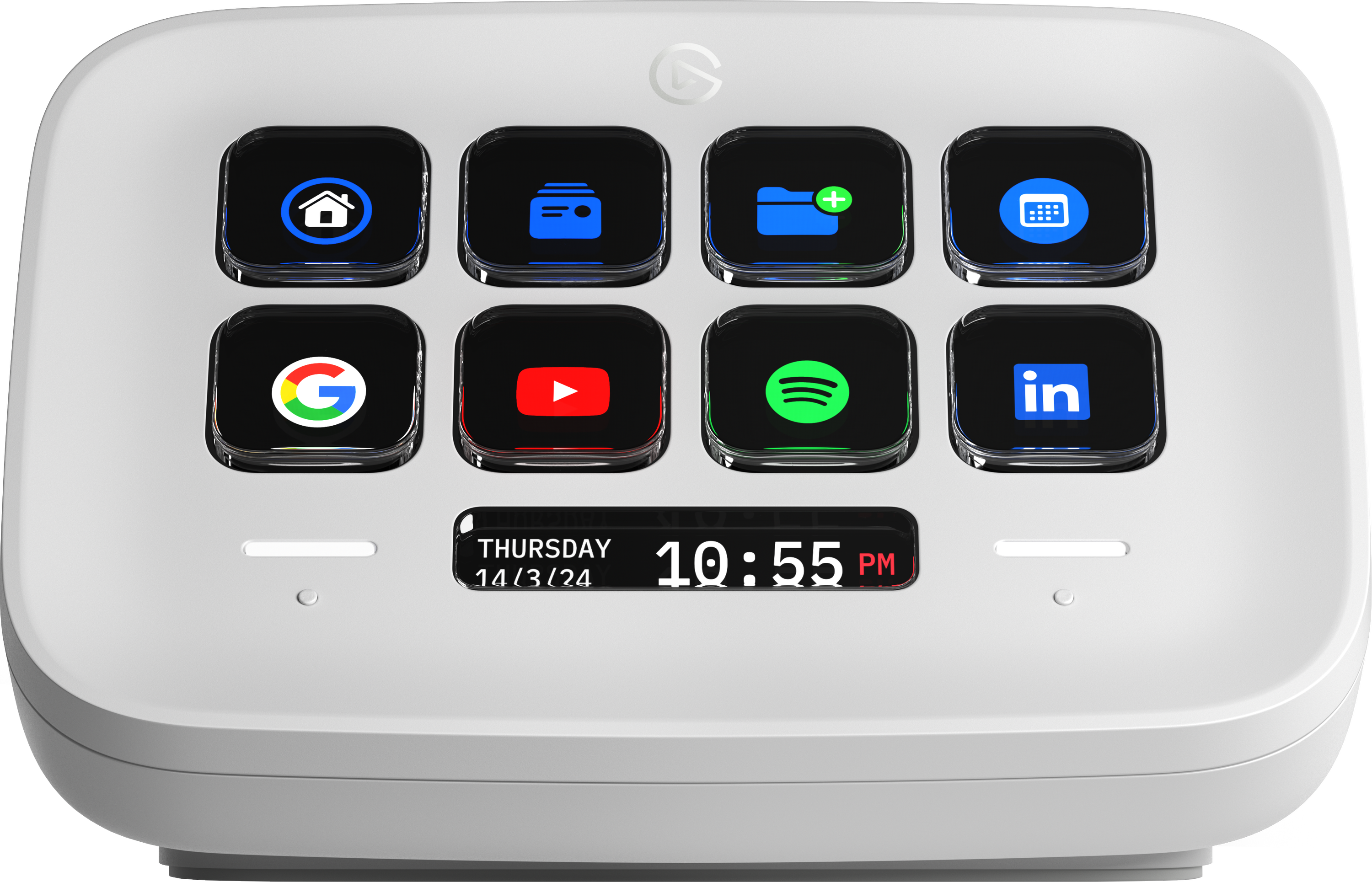



Essential Streaming Support and Complete Customization
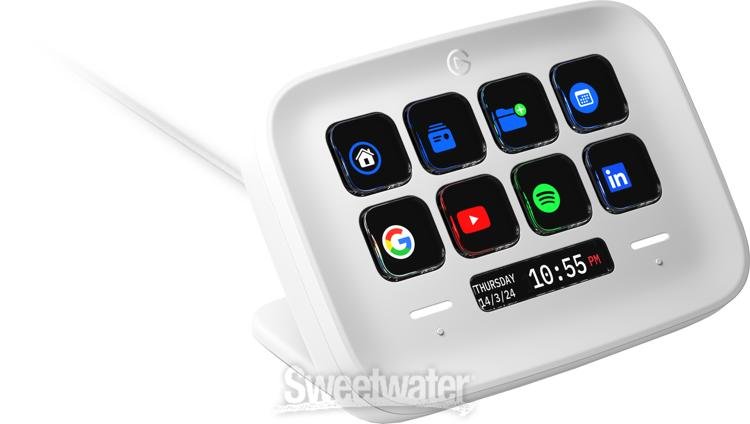
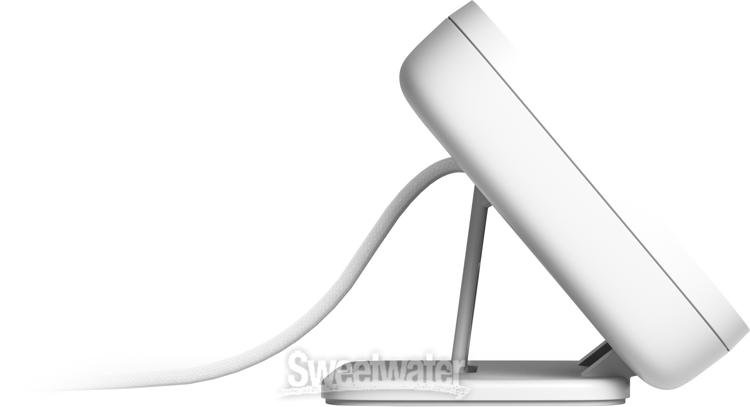
As the lines between online and offline activities blur in an age of endless interconnectivity, a reasonable question arises: “Why does everything have to be so complicated?” Elgato was wondering the same thing, so they took matters into their own hands. Enter Stream Deck Neo. Like its stream-focused siblings, Neo is a compact desktop companion that streamlines everything from office workflow and DAWs to fully loaded streaming arrangements and even smart devices in your house! Its ergonomic form factor includes an integrated, fully adjustable stand, optimized ergonomics, and page-scrolling Touch Points, as well as lightning-fast USB-C connectivity and seamless interoperative compatibility with Elgato’s far-reaching array of capture, camera, lighting, and more. This customizable controller’s endlessly reconfigurable interface lets you open apps, run macros, manage streams, cue tracks, and more. Functionally versatile and endlessly convenient, it's no wonder the Stream Deck Nwo has become the central nervous system in the office setup for many of Sweetwater's own Sales Engineers.
Related Videos: Stream Deck Neo Customizable Desktop Interface - White
What’s new with Neo?
Considering the broad scope, variety of form, and versatile functionality that exists across Elgato’s entire Stream Deck ecosystem, you're sure to find the interface designed for your specific needs. With the Stream Deck Neo, you get the same degree of deep customization, LCD keys, plug-in support, flexible Folders, and Smart Profile compatibility as the mainline Stream Decks, but with two essential differences: Touch Points and the Infobar.
Dual Touch Points are your instant access to scrolling multiple pages of functionality, meaning you aren’t limited to the number of physical keys on the Stream Deck Neo. Whether you need multiple pages for a singular set of tasks or want distinct activity-specific groupings, Neo has you covered. Then, there’s the centrally mounted Infobar. Vivid and detailed, this display is impressively customizable, supporting dozens of configurations to display date, time, currently active applications, and more.
Deep integration with 1-touch elegance
Like its larger siblings, the Stream Deck Neo is deceptively simple. Each button can be assigned to any app, function, or folder, all simultaneously; this functionality includes Multi Actions, which allows you to easily chain together any number of actions or trigger them all at once or one at a time. Folder lets you nest actions within a single button from your interface, giving you a virtually limitless number of functions. Stream Deck Neo can save presets to call up quickly — it can even auto-detect application changes to set up the necessary preset!
What can I do with Stream Deck Neo?
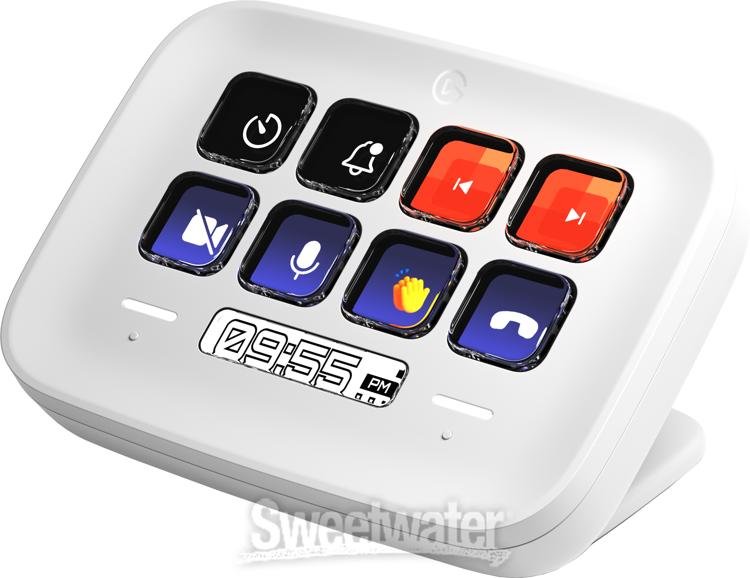
The better question might be, “What can’t you do with Stream Deck Neo?” DAW-centered musicians can dedicate keys to simple functions, such as opening the application, toggling track volumes, muting/recording, and cueing up new tracks. Complex chains can be as specific as managing or adjusting frequency bands within an equalizer or dropping in a sequence of plug-ins tailored to a specific type of instrument. Streamers of all kinds will quickly find use with Stream Deck Neo, featuring available functionality such as volume management, pre-written chat texts, and the ability to deploy entire intro/outro videos, as well as bring content from other applications into your stream. Whether you're after streamlining a practical workflow or looking for automated assistance throughout your creative projects, virtually any process can be managed with Stream Deck Neo.
Elgato Stream Deck Neo Features:
- An 8-key variant of Elgato’s esteemed Stream Deck interface, optimized for seamless office, streaming, production, and further flexible uses
- 2 Touch Points give you distinct, effortless control and management of multi-page arrangements
- Infobar features extensive customization capabilities for essential data
- 1-button design means everything from simple toggling to complex, app-specific macros is always available
- Multi Actions let you create a custom chain of commands that you can trigger all at once or intermittently
- Folders allow you to nest functions within each button, giving you virtually limitless depth of customization
- Presets can be easily saved and recalled, including via auto-detection as you change apps
- Quick-start guide included for painless setup right out of the box