

New Softube Flow Studio Controller

Studiologic SL Mixface Control Surface

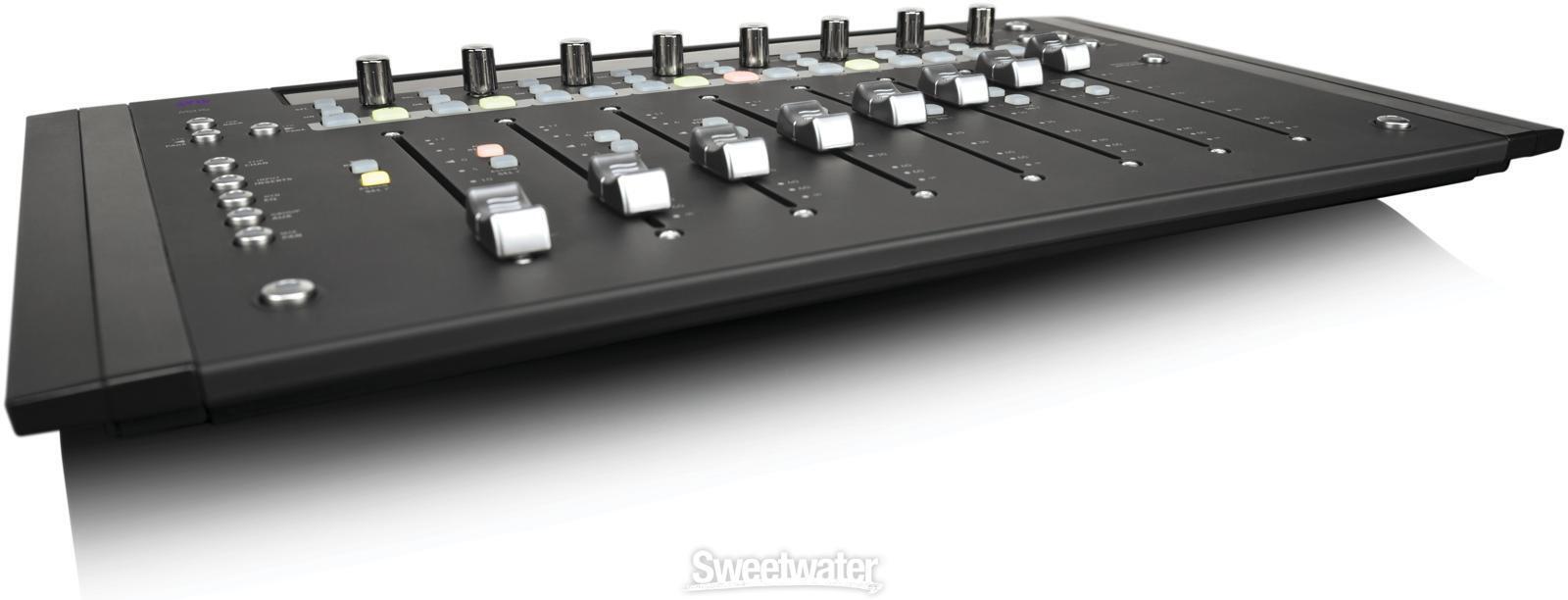
Compact MIDI Controller with 8 Knobs, 9 Sliders, and 8 Buttons; Micro USB-to-device, USB-to-host, and Bluetooth 4.2 Low Energy Connectivity
Share
Item ID: SLMixface
Studiologic SL Mixface Control Surface
Price:$299 and 95 cents
$50.00 suggested monthly payments with 6 month financing‡ 36 month financing available* with $399.00 minimum purchase on one invoice.

Or we have a b-stock model for just $199 and 00 cents! Learn more
In Stock!

Only 5 left in stock! Order Soon!
Add to Cart
Sales engineer photo
Ask An Expert

Our expertly trained Sales Engineers are ready to help!

What is a Sales Engineer?
Sweetwater Gear Exchange

Have one to sell?
Check out Sweetwater's Gear Exchange!
Learn More

Studiologic SL Mixface Control Surface
In Stock!
Price:$299 and 95 cents
Add to Cart
Add to list
Skip to Description
Most Popular Accessories & Related Items
Back to navigation

This article was Written By

Our Product Research Team

Get to know them!

Powerful, Stylish Compact Controller

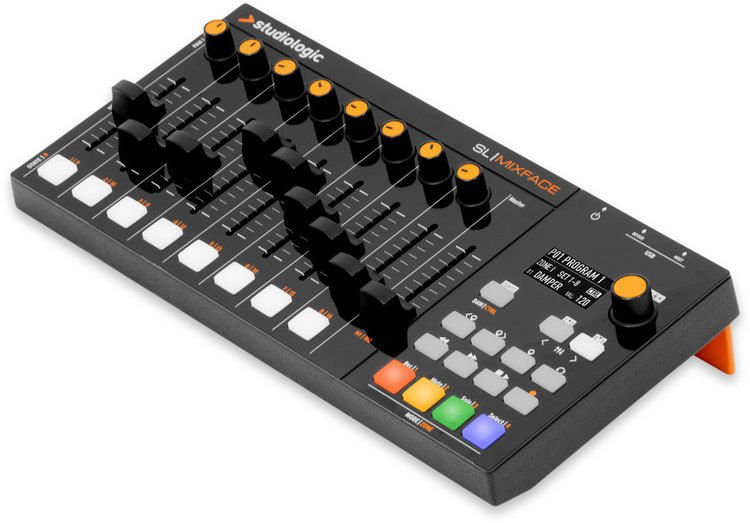
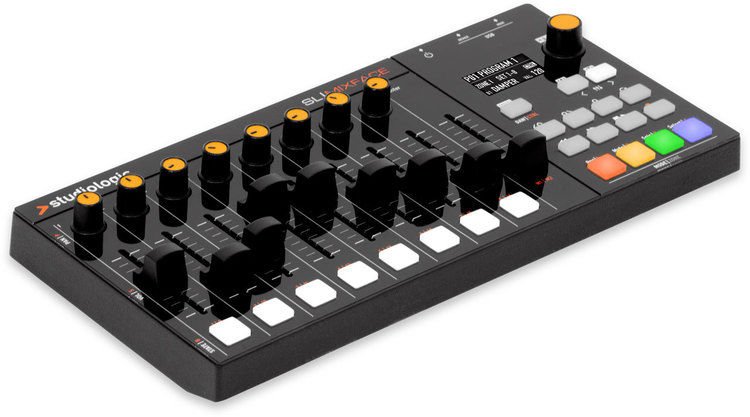
The Studiologic SL Mixface is a powerful, stylish compact controller designed for maximum mobility. SL Mixface hosts and automaps to major DAW software, so you can bring it everywhere and use it with complete freedom. Its connectivity and internal batteries make it an ideal portable device that's also perfect for your desktop studio setup. With instant DAW/Control mode switching, you're ready to control your DAW and virtual instruments with the press of a button. The Transport controls are always functional whether you're recording, editing sound parameters, or mixing.

Masterful connectivity

The Studiologic SL Mixface can host any MIDI keyboard, turning it into a full 4-layer controller. And thanks to advanced connectivity, it communicates with any computer via Bluetooth and USB simultaneously — a feature very much appreciated by Sweetwater keyboardists!
Extended capabilities

The SL Mixface is designed for integration with Studiologic's SL controller line, greatly expanding its control capabilities. Its magnetic system sticks to any controller keyboard with a metal top deck, making the Mixface a physical extension of the control set. Simply plug Mixface into an SL keyboard, and it gives you control over four layers on the fly.

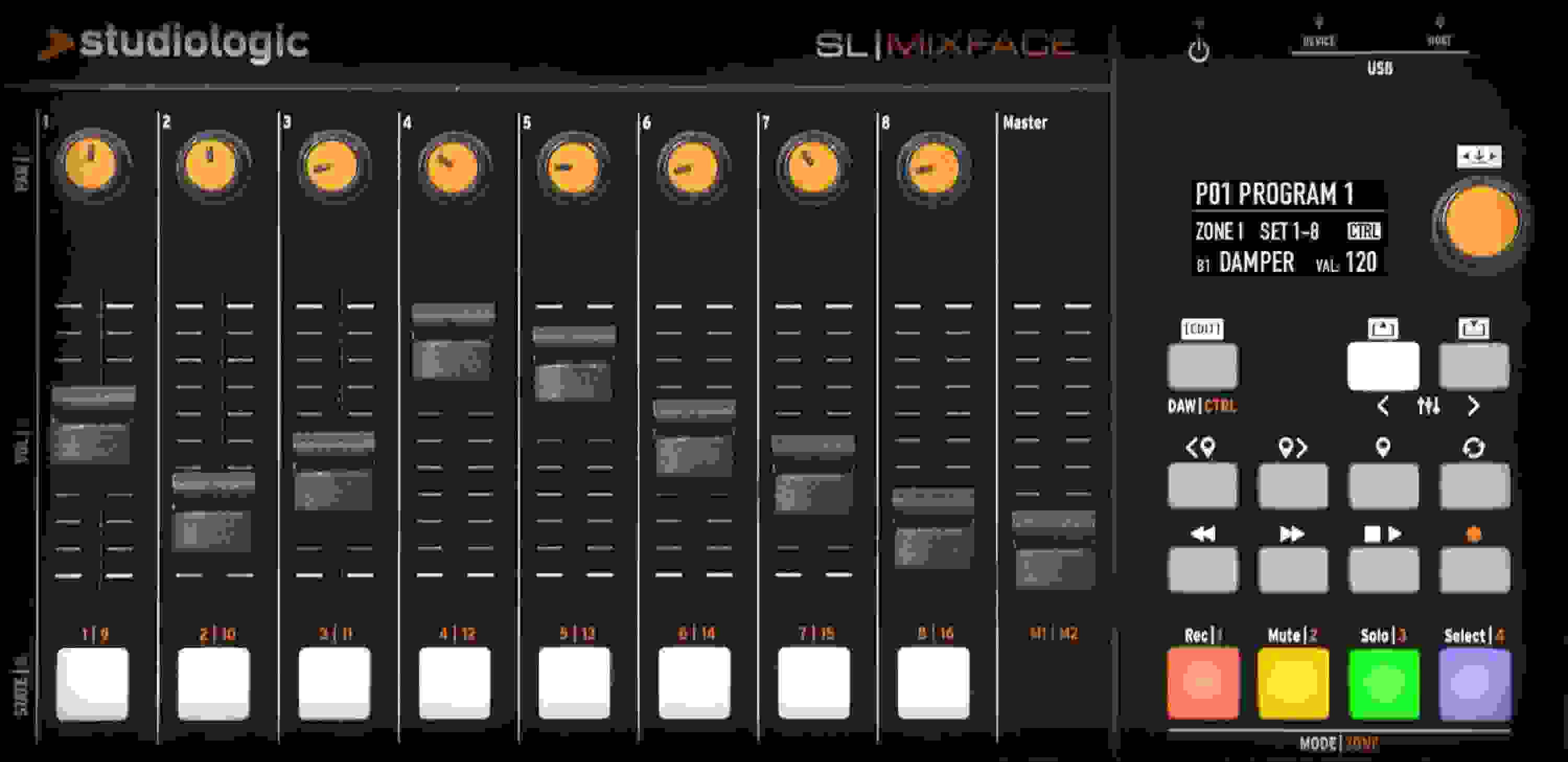
SL Mixface DAW controls:

  • Rec, Mute, Solo, Select
  • 3 controls for each track (knob, slider, button)
  • Master slider
  • Transport
  • Play/Stop, Record, Next Track, Previous Track
  • Set marker, Next marker, Previous marker, Cycle

Supported DAWs:

  • Ableton Live
  • Apple GarageBand
  • Apple Logic Pro X
  • Avid Pro Tools
  • MOTU Digital Performer
  • PreSonus Studio One
  • Propellerhead Reason
  • Steinberg Cubase

Studiologic SL Mixface Features:

  • 8 knobs, 9 sliders, and 8 buttons
  • 4 zones; 12 user presets
  • Zone controls: 16 sets (knob + slider + button), 2 master sliders
  • Integration with SL controllers
  • OLED display 128 x 64 dots
  • Navigation encoder
  • Micro USB-to-device, USB-to-host, and Bluetooth 4.2 Low Energy connectivity
  • USB powered; runs on 3 AAA batteries when connected wirelessly
Resources

Warranty Info

Sweetwater's FREE 2-Year Total Confidence Coverage Warranty

Extra peace of mind at no extra cost.

  • Save money with FREE parts and labor
  • Get back to making music with the industry's fastest turnaround time
  • Fix it the first time with our award-winning, factory-certified Service Department
Learn More about Total Confidence Coverage
Back to navigation

Tech Specs

  • Type: DAW MIDI Controller
  • Screen: OLED
  • Faders: 8 x channel, 1 x master
  • Transport Controls: Yes
  • Encoders/Pots: 8 x knobs, 1 x Navigation Encoder
  • Computer Connectivity: USB, Bluetooth
  • MIDI I/O: USB
  • USB: 1 x Type A, 1 x Type Micro-B
  • Bluetooth: v4.2 LE
  • Software: Mixface Manager OS
  • Compatibility: Steinberg Cubase/Nuendo, Ableton Live, Pro Tools, Digital Performer, Presonus Studio One, Propellerhead Reason, Logic Pro X, Gar
  • Power: USB bus powered / 3 x AAA batteries
  • Height: 1.4"
  • Width: 10.3"
  • Depth: 5.1"
  • Weight: 1.25 lbs. (without batteries)
  • Manufacturer Part Number: AMS-SL-MIXFACE

What Makes Our Sales Engineers Great?

Sweetwater Sales Engineers are a world-class team of experts dedicated to you. Hand selected from across the globe, each brings a wealth of experience and expertise in the world of music gear to provide you with unparalleled service completely free of charge. Friendly relationships, real trust, and the right gear are only a call or a click away!

Back to navigation

Reviews

Incredible controller with powerful Bluetooth!
Saved my live rig running Omnisphere. This controller sits perfectly on my Nord Piano 5 without moving (it has a magnetic that just latches to my keyboard).

I need a portable, versatile controller to control Omnisphere patches while also playing internal piano patches from my Nord. I also wanted to minimize cable clutter. I was skeptical of of the Bluetooth but that the wireless connectivity running in battery lasted through 3 services on Easter Sunday where each worship set was about 30 min not including warm/up practice.

I also used to control Cubasis on my iPad/Cubase Pro DAW on my laptop when I'm composing on the go. The only challenge I haven't solved is using the usb host for midi pass through. Somehow the port doesn't recognize my keyboard. I'm spite of this I still give it a 5-star!

Shout out to Chris Leonard who convinced me to get this.
Music background: Jazz, Classical, Gospel, Worship music, home studio recording
Exactly what I’ve been looking for
Small yet powerful. The SL Mixface really sped up my workflow and I love that it's compatible with every DAW I use as well as being able to control my plug-ins from it as well! Honestly, I haven't found a mixer like this one that's better, especially with how affordable it is.
Perfect!!!
The Mixface is beautiful!

The Mixface is very compact, but faders and knobs are full-sized, very smooth and comfortable to operate.
Set-up is a snap. (I'm using it with Cubase.)

It's nice not to have it cluttered up with more buttons and knobs than I need. In DAW mode, it's a mixing surface. Push a button, and it's in control mode for automation reusing the same faders and dials.

I'm very impressed with the quality, design and operation of Mixface and love that it is so full-featured while using such a small space in the corner of my studio desk. I love that it tilts, giving more options for placement.

Also -- its really beautiful to look at!
Music background: Retired music professor, composer, electronic musician
All you need to know
Questions you may have: (none of this has to do with a DAW)

• Can I use this to control a module apart from using a computer? Yes, as long as you pair it with a SL-73/SL-88.
• Is the communication between the Mixface and SL-73/88 bidirectional? Absolutely! It"s great. In fact, you can custom associate patches in both to align however you wish. As you choose patches in the SL-73/88, the Mixface jumps to the patch you custom associate with the SL patch.
• Can I enable/disable zones on SL-73/88 with the Mixface? Yes. This is because Mixface/SL communication is bidirectional. This is an awesome feature!
• Can I use all faders as the 9 drawbars of a VST Hammond B3/C3/A100? Yes.
• Can I connect to Bluetooth, Device and Host simultaneously? Yes, BUT the Mixface uses only one Mode at a time, depending on where the active zone is directed. You can only use one Mixface zone at a time and one communication method at a time.
• Can this be used with Windows? Yes, provided you intall MIDIberry and and Loopmidi and create virtual ports with loopmidi (look up my video on youtube by searching "Mixface Reviews."
• Can I run everything when only powered by batteries? Yes, absolutely. Total battery life is good for only one gig. Replace per gig. It uses 3 AAA batteries.
• Do I have to have the Mixface connected directly to a computer to use it? Not necessarily. You can use BT or Host. These connect to computer wirelessly, or via host to go through the SL-73/88. Using a different brand/type of keyboard connected to the Host port means that the Mixface is the master and must be connected directly to a computer. With the SL73/88, communication is bidirectional.
• Do I have to have an SL-73/88 to use the Mixface? Not necessarily. HOWEVER, to use all amazing features, you must have the associated SL-73/88 otherwise; the mixface is a mediocre 4 bank midi controller with bluetooth capabilities.
• What is the difference between Device and Host ports? Device port connects to Laptop/Computer for wired data communication and power. Host port is to connect a keyboard/pad controller to pass through the Mixface.

Pros:
Great addition to the SL73/78! Hence the 5 stars, as the cons are not that big a deal to me.
Durable and easy to set up
Magnetic adherence is strong to make it stick to the SL-73/88
Can be battery powered
Has Bluetooth connectivity that is fast
Enable/Disable zones with it. Great feature.

Cons
Can only use one Zone at a time, making it a 4 bank controller, rather than a zone controller, if you use a keyboard other than the SL-73/88
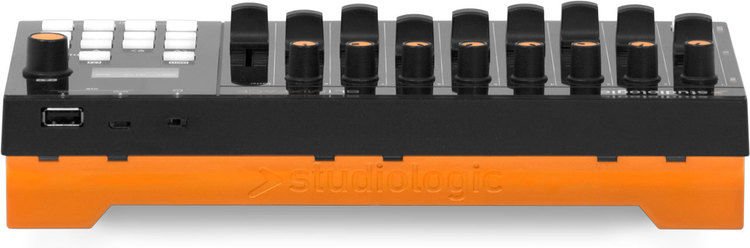
The orange flap has to be flipped up with a butter knife, it can"t be done with the fingers. If you flip it up with one of the tab openings, you may disengage the battery door accidentally. You might unwittingly lose the battery door in that case. Be careful!
Battery door is TOUGH to open and then tough to install securely.
Faders are just a slight bit too stiff for a Hammond player. Hope they loosen!
Music background: Performer/Passion Project Engineer
Does A Great Job So Far...
I bought this unit to work with CuBase 10 and as an articulation fader for Orchestral Samples. Works great for that. Easy to set up in Cubase and use with Spitfire Audio sample libraries. Connects with supplied USB cable and that alone powers it up.

My only complaint is that the fader part where you put your fingers is a bit hard to grab. Your fingers tend to slip off a bit which makes it a little hard to do this with fluid motion. I expect that the faders will loosen more over time. I might have to add some rubber or some type of grip on the top of the fader so fingers will stay.

Otherwise It is a great unit that has many useful applications.