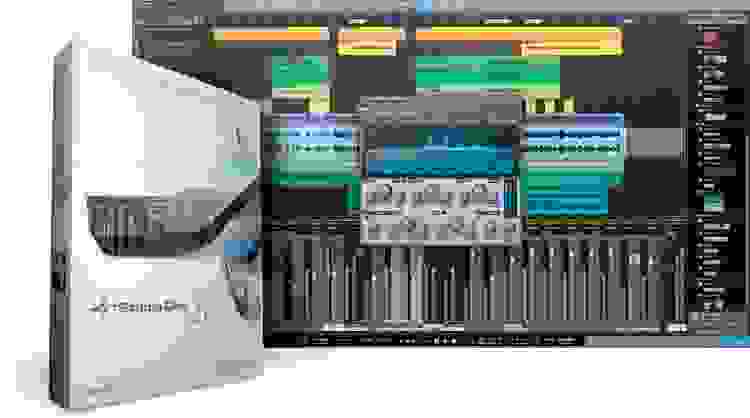

Slide into Studio One
If you want to get in on the easy-to-use digital audio workstation you've heard on countless hits, PreSonus Studio One Artist is the way to go. For version 3.5, PreSonus has upped the ante yet again with over 40 hot new enhancements! Getting started is a snap. From there, it's easy to find ideal tempo-matched backing tracks, capture inspiring sounds and performances on physical or virtual instruments, mix with pro effects, and even share your music online with your friends and fans. Studio One 3.5 Artist keeps you inspired and in the flow — focused on your music, not the music-making process.
Add support for VST2, VST3, AU, and ReWire formats and MP3 conversion with the Studio One Artist Booster Pack.
Related Videos: Studio One 3.5 Artist (download)
Hot new features in Studio One 3.5 Artist
Studio One enjoys a vibrant user community where ideas and creativity flourish. And PreSonus is always listening. So for version 3.5 of Studio One Artist, they curated the best, most-requested suggestions and incorporated them into this killer update. Check out the top new features:
- NEW Optimized, near-zero-latency Audio Engine
- NEW Unrestricted Mixer Undo functionality
- NEW Fat Channel XT and StudioLive Series III preamp control
- NEW Expanded Notion data transfer options
- NEW Responsive Loudness and Spectrum meters
- NEW Across-the-board improvements to automation
- NEW Improved Song and Project save and auto-save performance
- NEW Independent macOS recording and playback devices
- NEW Expanded Bounce and Export options
Making music is faster and easier
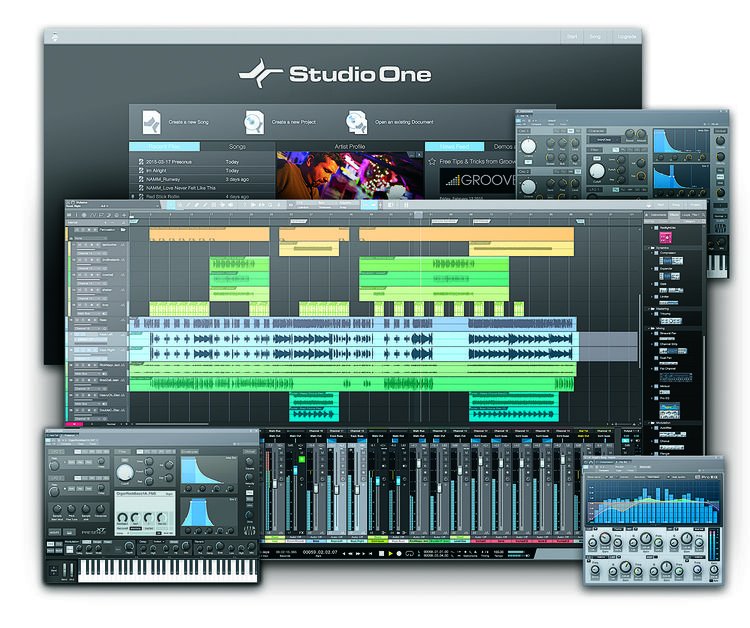
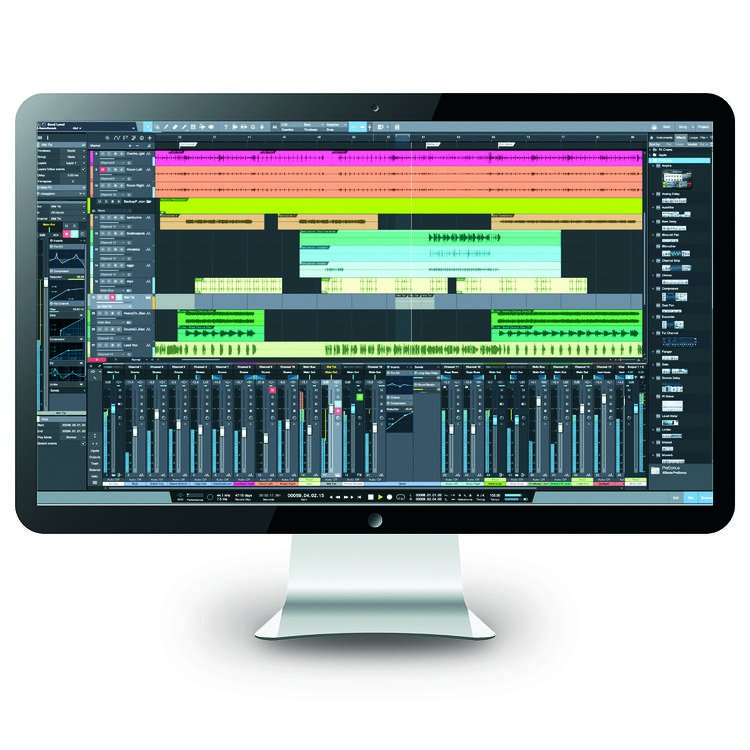
With version 3.5, PreSonus has taken Studio One Artist to the next level. Under the hood, you'll find cool virtual instruments, fast ways to find the right backing tracks, step sequencing for easily programming beats and other musical parts, an optimized mixing console, and interface tweaks that will make your work more productive and enjoyable. Many of the musicians at Sweetwater are hard core Studio One users. PreSonus Studio One 3.5 Artist gives you an affordable way to find out what the fuss is all about.
PreSonus Studio One 3.5 Artist Features:
- Elegant single-window production environment
- Powerful drag-and-drop functionality and multi-touch support
- Unlimited audio tracks, MIDI tracks, virtual instruments, buses, and FX channels
- Pristine sound quality with a critically acclaimed mix engine
- Powerful synthesis engine, native 32-bit resolution and support for up to 384kHz audio
- PresenceXT Sampler and sound library
- Mai Tai analog modeling polysynth with character morph, mod matrix, and 0-feedback filters
- Native Fat Channel plug-in with lowpass filtering gate, compression, EQ, and limiter
- Intuitive Browser lets you easily find, preview, and drag and drop tempo-matched backing tracks, samples and effects, instruments, presets, and more
- Integrated online PreSonus Shop for easy in-app access to additional pro content
- Elastique 3.0 real-time pitch and time stretching, resampling, and normalization
- Transient detection and editing with groove extraction, multitrack comping, editable Folder Tracks, step recording, and event-based effects
- Automatic delay compensation ensures tight synchronization and phase alignment
- Control Link (most intuitive MIDI-mapping system available)
- 35 Native Effects and 5 virtual instruments
- Import of Capture recordings with StudioLive AI Mixer Scenes and Fat Channel Settings
- Wireless transfer of audio from Capture for iPad
- Import Notion stems with instrument names, mix, and tempo info preserved
- Import and export WAV, MIDI files, and more
- Integrated SoundCloud dashboard for sharing your music online
- Use Pro Tools, Cubase, or Logic shortcut key commands or create your own
- Compatible with ASIO-, Windows Audio-, and Core Audio-compliant audio interfaces
- Compatible with the Fat Channel Collection (sold separately)