
Sweetwater Welcomes Turtle AV

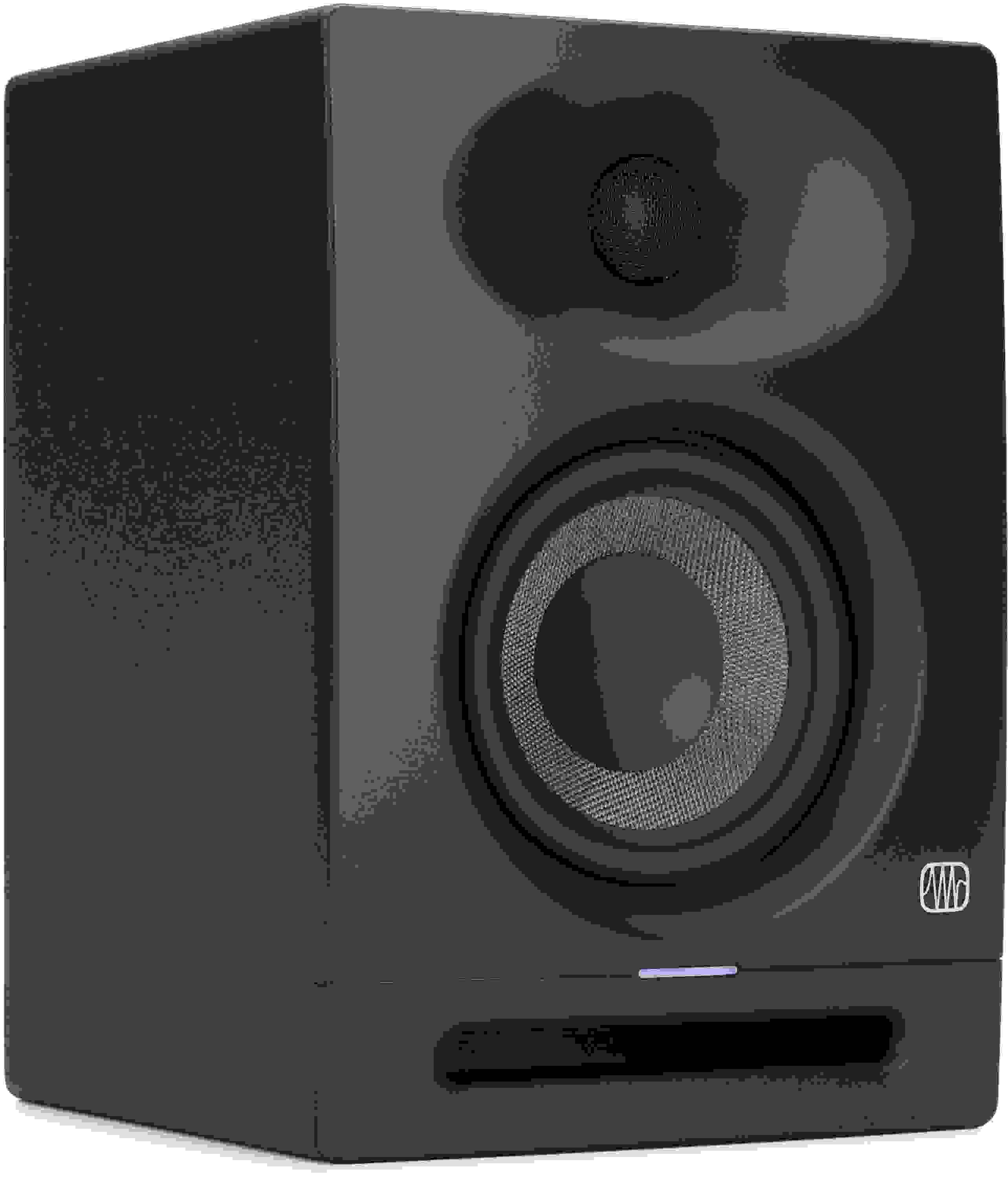
PreSonus Eris Studio 4 4.5-inch Powered Studio Monitor
Item ID: ErisStu4
PreSonus Eris Studio 4 4.5-inch Powered Studio Monitor
Reviews for

PreSonus Eris Studio 4 4.5-inch Powered Studio Monitor Reviews

4.5" Powered Studio Monitor with Woven Composite LF Driver, 1" Silk-dome HF Driver, EBM Waveguide, and Acoustic Tuning Controls (each)

The PreSonus Eris Studio 4 offers deep lows, smooth highs, and impressive imaging thanks to first-rate drivers that work in tandem with an innovative EBM waveguide and state-of-the-art front-ported enclosure. Tailor this studio monitor to your room using a generous array of acoustic tuning controls, and easily connect to the rest of your gear with a full complement of balanced and unbalanced inputs. Benefit from 100dB of maximum continuous output via 50-watt, Class AB bi-amplification. You also get solid protection against RF interference, extreme output current, excessive heat, and more. The PreSonus Eris Studio 4 — a top-notch studio monitor that’s friendly to your wallet.

More Details
Price:$146 and 99 cents
$25.00 suggested monthly payments with 6 month financing‡ 48 month financing available* with $499.00 minimum purchase on one invoice.
Add to Cart
In Stock!

(Hurry, limited quantity available)

Page 1 of 1
August 27, 2024

Great performance at a budget price

By A K.

Before I begin, let me just say that I am not an expert on studio monitors. I bought these to work mostly as multimedia monitors for my PC setup. They produce great sound with decent low end and a wide sweet spot as far as my ears can tell.

With unbalanced inputs, there was a lot of buzz in my setup, to the point where it was unusable. There is a lot of 2.4 GhZ interference around my setup so that wasn't too surprising. With an Onyx Producer 2-2 audio interface and balanced inputs there is no buzz even though my monitors are right next to computer monitors, wireless mouse and keyboard, and a WiFi router.

I was not able to figure out how to activate the hibernation feature for some time. Even with no input from my audio interface, the monitors would not enter hibernation. I figured out that I have to turn down the gain on my audio interface almost all the way in order for hibernate the monitors because there must be enough current going from the interface at rest to keep the monitors from entering hibernation.

The rear of the monitors stay at a reasonable temperature and I hope I will get many years of use out of them. If you are at all serious about music production, you should be spending more money for better monitors. If all you want is decent near field monitoring for multimedia use in a small room, these could be a great option.

Read More
of

Have Questions About the Eris Studio 4 4.5-inch Powered Studio Monitor?

Or call us at (800) 222-4700

Questions about the PreSonus Eris Studio 4 4.5-inch Powered Studio...?

Sweetwater's Sales Engineers are regarded as the most experienced and knowledgeable professionals in the music industry, with extensive music backgrounds and intense training on the latest products and technologies. They are available to offer you personalized product advice any time you need it.

Type your question below or call us at (800) 222-4700
Thank You!