

Speaker polarity is critically important, and fortunately it’s not all that hard to get it right.
“What is the best way to make sure that the polarity on multiple speaker pairs are in phase when the wiring is all in-wall and the cable is not marked?”
First, shame on whomever put the wiring in without marking it. There are a variety of small (and not so small) commercially available devices that do a great job of testing speaker polarity among other things. Many use a very fast “click” input to the signal path and then measure the results from the speakers. There is, however, a very workable “poor-man’s” solution. Disconnect the speaker cables from the amplifier(s) and connect a small battery to the end of the cables. The DC voltage from the battery will cause the woofers to jump forward or backwards depending upon the polarity of the battery with respect to the cables and speakers. The DC voltage is handy because once the speaker moves it will stay in that fixed position until the voltage is removed. This is usually best done with the help of an assistant who can apply and remove the battery voltage while you watch the direction of cone movement. Basically you just have to get everything wired so that all the drivers move in the same direction, then decide which is positive and connect them that way to the power amp(s). A 9-volt battery usually works best for this (it causes the most cone movement), but don’t leave it connected to small drivers for a long time. A little 9-volt battery can produce a surprising amount of current into a near dead short (which is how it sees the speaker).
The battery trick, as handy as it is, is not effective for horns and other high frequency drivers because it’s almost impossible to see the driver movement (we don’t recommend 9 volts of DC be applied to them either). In situations where the high frequency driver is part of a cabinet with other drivers this is not a problem. If the woofers are in polarity then you can assume the horn is too. If you have a system where the high frequency driver is a completely separate component you now have to fall back on plan B.
Plan B is to disconnect the speaker wire on both ends. Tie an additional length of labeled wire to one end so that it can reach to the other end, sort of forming a loop. Do not tie them together. Now you can use any standard volt/ohm meter to see which lead is which and get them labeled.
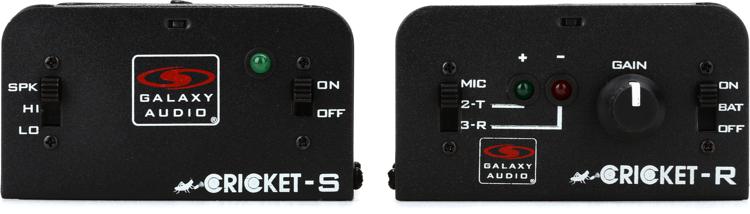
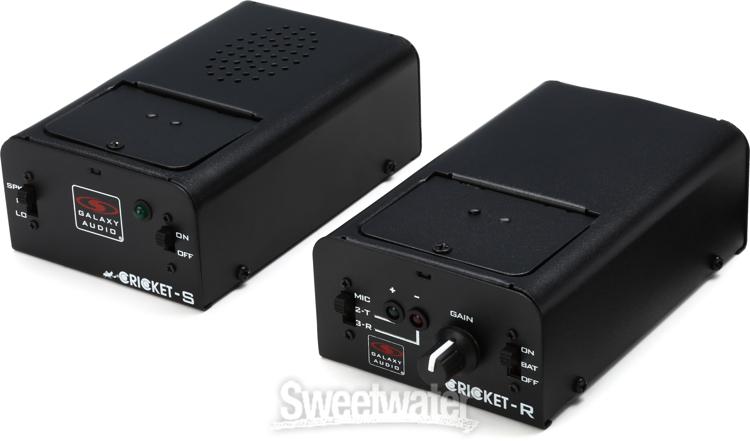
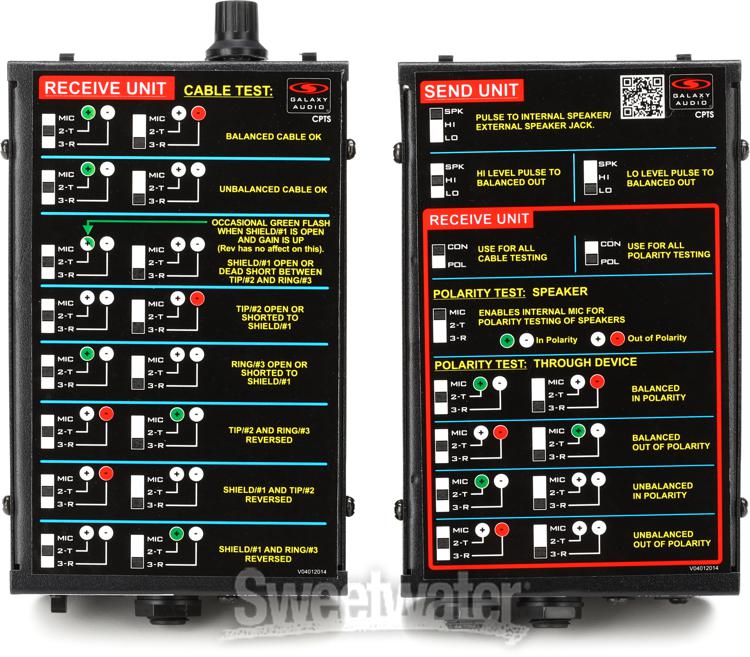
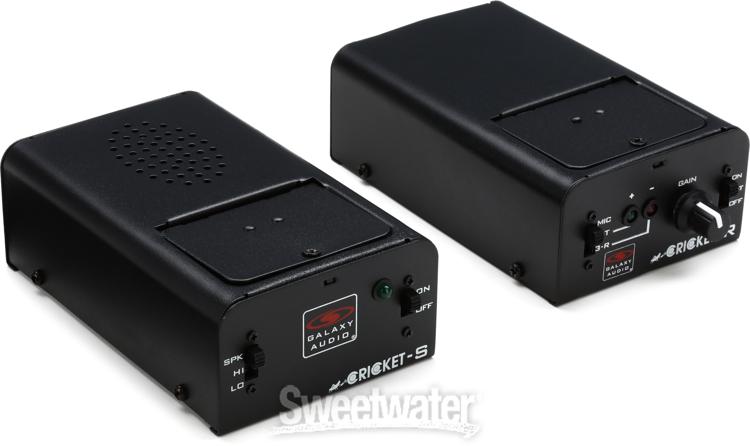
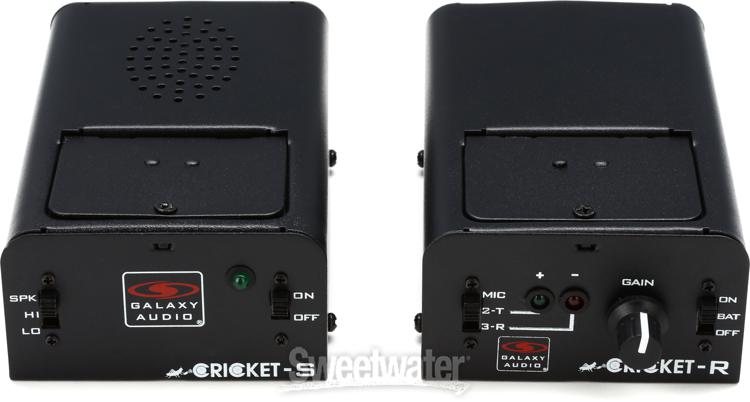
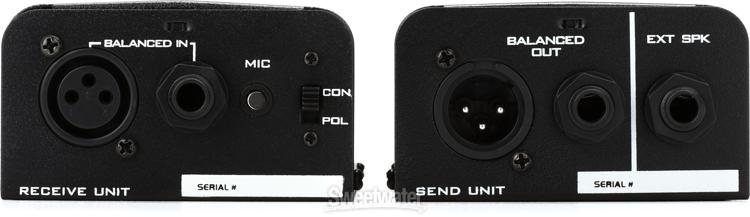
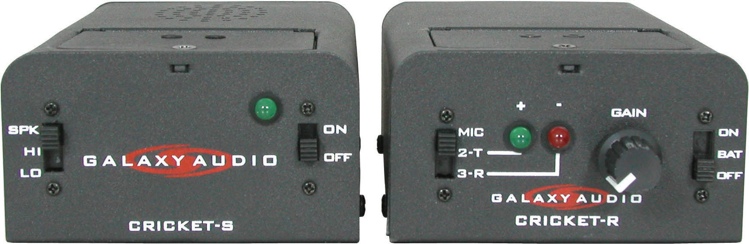
NOTE: Galaxy Audio makes the perfect problem solver for deciphering polarity, called the Cricket Polarity Tester. Using this as the test source at one end (either via the speaker or as a line-level source) with the receiver on the other end allows you to easily test and visually confirm by either Green or Red LED that the polarity is correct or incorrect, respectively. It’s just that easy. Everyone who works in the studio or live needs to have one of these in their toolbox.