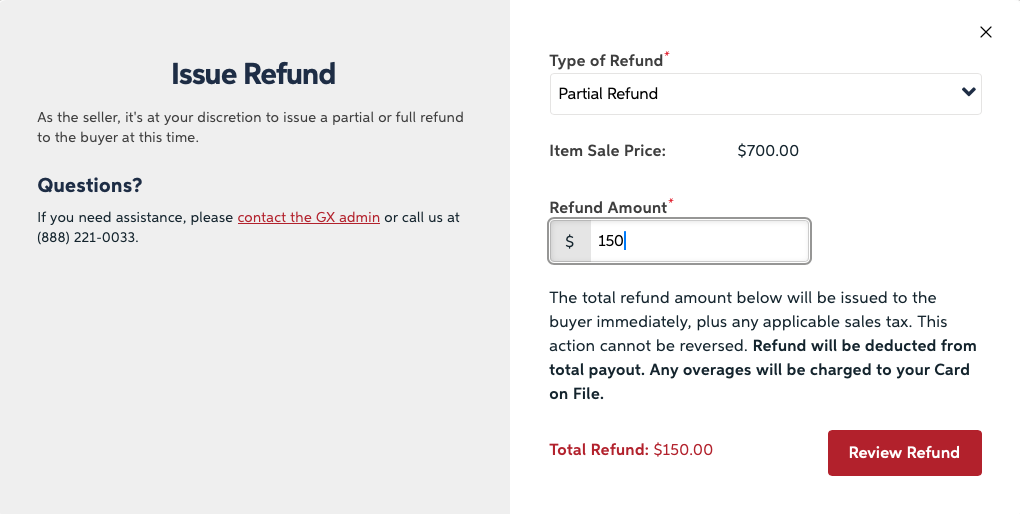
How do I issue a refund?
What if my buyer already requested a refund by reporting a problem?
If your buyer has already reported a problem and requested a partial refund, you can accept it by going to your sold items page and clicking "View Order" and then viewing the case, and accepting it. This will immediately refund the buyer, and balance the order if necessary by revoking part of your gift card if there is a balance, or charging your card on file.
What if I want to refund a buyer who has not reported a problem?
No problem! First, go to your Sold Items page and click "View Order." You'll see an option to Issue a refund. Just select if you want to do a full refund, or enter the amount you'd like to do for a partial refund(don't worry about tax, we will calculate that) and submit it.